Turn photo into painting: your miniature, in a painted-style scene.
Turn photo into painting-style art, starting with the miniature you spent hours on. It sits on a shelf, or in a foam-lined box, where it never gets seen. Photograph it and we place it in an AI-made scene worth looking at: a woodland path, a tavern, a battlefield at sunset, or a quiet stone courtyard. The studio is told to leave your paintwork alone.
Jump to a section · 4 sections
You've spent hours on that miniature. The glue, the primer, the thin coats, the wash in the recesses, the dry-brush on the edge highlights. And now it sits on a shelf, or worse, in a foam-lined box, where only you and the cat see it.
What we do is not repainting. Your figure is already painted, by you, and the one thing this studio will not do is paint over that work. Every style prompt carries the same instruction: Treat the photographed character as a locked foreground. Preserve its exact silhouette, miniature proportions, face, pose, painted colours, brushwork, armour, clothing, weapons and sculpted details. Do not redesign, repaint, resculpt, embellish or turn it into a different realistic character.
What changes is everything around it, and that part is AI-made.
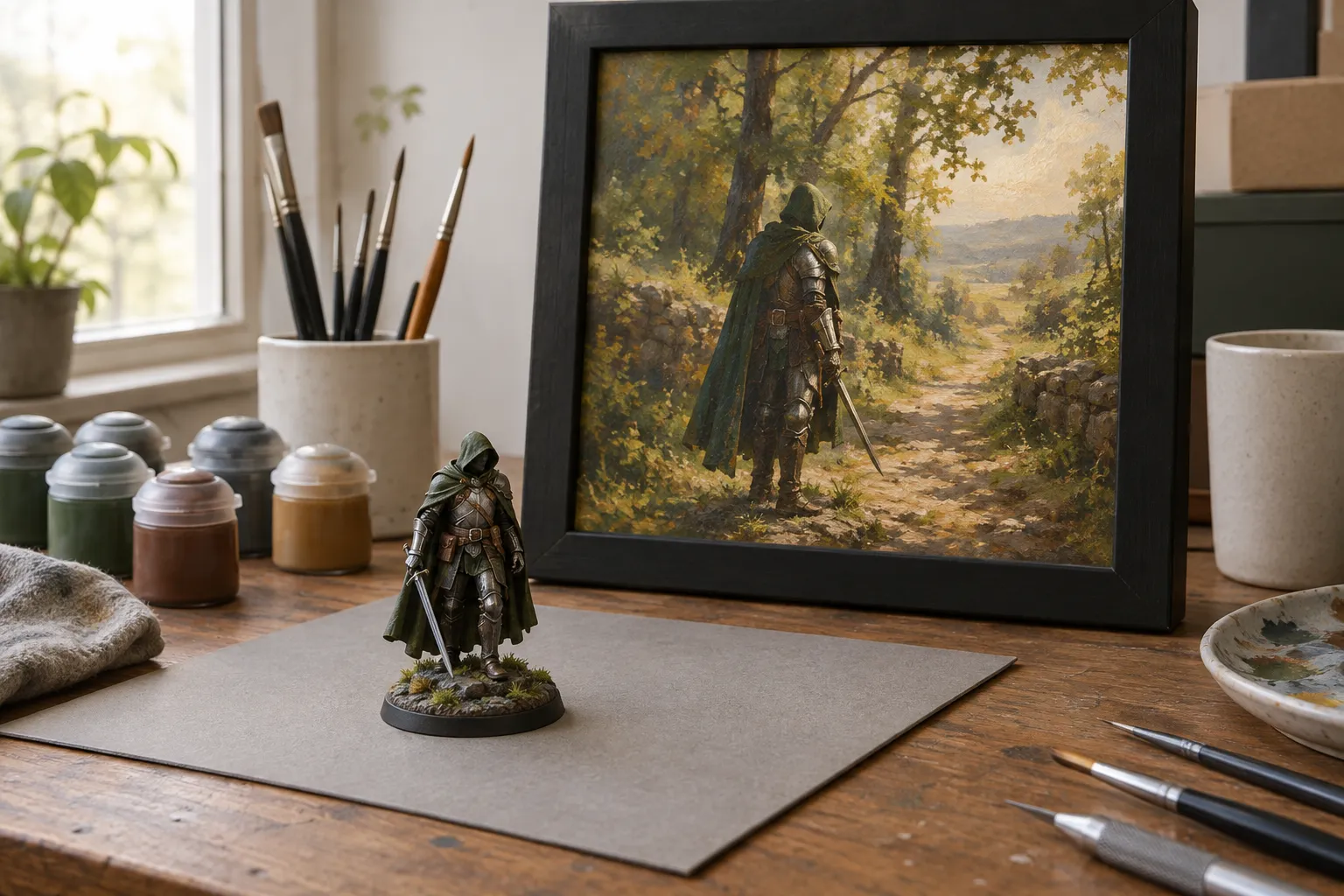
Turn photo into painting-style art: how the process works
Three steps, and the middle one is where the work happens.
Step one: upload a photo. Any photo of your painted miniature works, but some work better than others. The photography guide covers the lighting, the backdrop and the angle. The short version: good light, plain background, fill the frame.
Step two: choose a scene and approve the render. You get a watermarked preview at screen resolution. If it is wrong (the light does not match, the terrain does not continue under the feet, the figure reads as plastic) generate another. Three free previews a day, and you verify your email to use the studio. When one is right, you tick the box against that specific render, and that tick unlocks the basket.
The tick matters more than it sounds. The render you approve is what we print from: after payment the same composition is re-rendered at full print resolution from the picture you accepted, not from the prompt being run again. Re-rendering can still shift fine detail, so check the preview against your original before you approve it.
Step three: it arrives. Your chosen product is made to order and posted to you, with free UK delivery included.
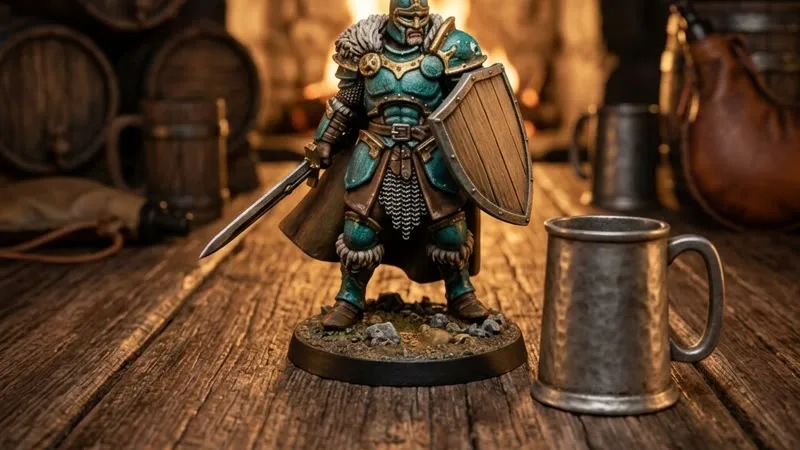
The five styles
All five replace the surroundings and leave the figure alone. The display base comes off and scene terrain continues under the unchanged feet; the paintwork, pose and proportions are the ones you photographed.
Woodland Path. A forest footpath: mossy stones, ferns and soft canopy light, with the figure standing on the continuous forest floor. The gentlest of the five, and the one that suits a lone ranger, a druid, a scout.
Paintwork Portrait. A restrained stone courtyard, distant architecture softly blurred, soft diffuse light. The setting stays out of the way, which makes this the one to pick when the paint job is the point.
Hero Portrait. The entrance to a ruined fortress at dusk, subtle rim light and distant mist. The most dramatic framing here, and it wants a figure with a strong silhouette.
Into Battle. A mountainous battlefield at sunset: distant armies, drifting smoke and muted light, with irregular dirt and stone directly beneath the figure.
The Tavern. Warm timber, a stone hearth and distant tables, the figure standing on the floor at the same scale as the room. The downtime portrait, and the one people pick for a character they have played for years, not a display piece.
Why not take a better photo?
Sometimes that is the right answer, and Paintwork Portrait keeps the setting plain enough for it. But a photograph of a 32mm figure on a desk is a record of a thing. Putting that same figure on a woodland path at dusk, at A3 on a wall, is the difference between a record and a picture, and the figure in it is still the one you painted, brush marks and all.
If that sounds worth hanging, upload a photo and see. The preview is free and the render is yours to judge.
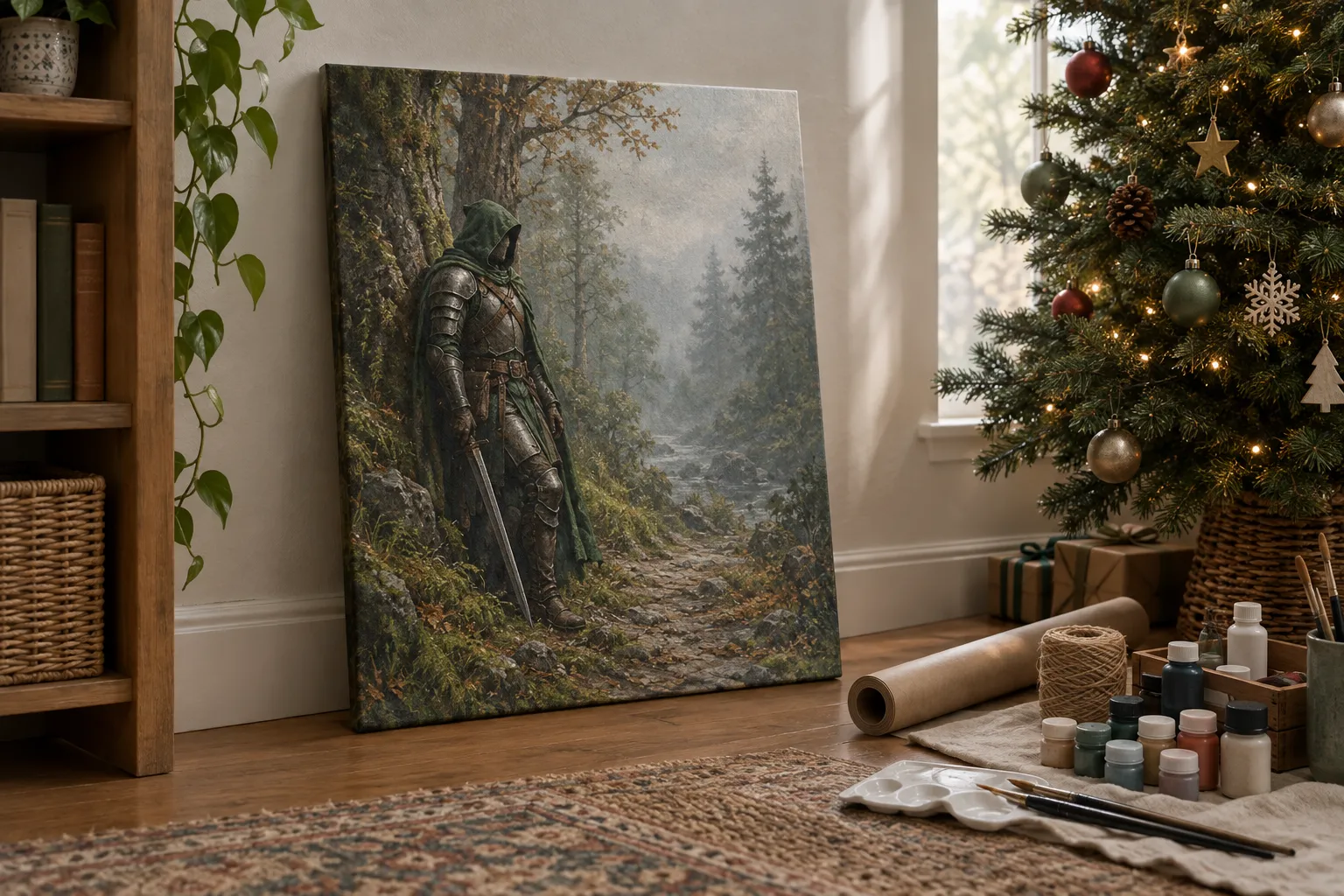
A photo of their figure, as a Christmas present
A photograph of a figure someone painted can be a Christmas gift: pick a scene, approve a watermarked preview, then choose the product. Everything is made to order, so allow 4-9 working days and order by Thursday 10 December for Christmas (Tuesday 15 December with Priority delivery). Compare scenes over more than one sitting; the daily preview allowance resets each day, and check the scene against the original before you approve it. For more ideas, see Christmas gifts for artists and Secret Santa ideas.
Questions and answers
How does the miniature photo to print process work?
Upload one photo of your painted miniature, choose one of five styles, and approve a free watermarked preview on screen. The approved render is the one printed, at full resolution, after payment.
Do you repaint my miniature?
No. Every style prompt instructs the studio to preserve the exact painted character: same silhouette, same pose, same colours, same brushwork, same sculpted details. All five styles replace the surroundings; the display base comes off and scene terrain continues under the unchanged feet.
What styles are available?
Five: Woodland Path, Paintwork Portrait, Hero Portrait, Into Battle and The Tavern. All five place your character in a scene. Paintwork Portrait is the most restrained of them, a stone courtyard that keeps the attention on your paintwork.
What photo should I use?
Diffused daylight from one side, a plain background, and the miniature in sharp focus filling the frame. A phone on macro mode is enough.
Can ChatGPT turn a photo into a painting?
It can restyle one. OpenAI’s help page says you can upload an existing image and describe the changes you want ChatGPT to make, and that ChatGPT Images is available on every tier, on the web, iOS and Android (OpenAI Help Center). The result is a new AI-made picture, so put it beside your photo before printing anything. Our studio has a narrower brief: keep the miniature you painted, replace the setting round it, and show you a watermarked preview to approve first.
What is the best free app to turn a photo into a painting?
We haven’t tested the apps, so we won’t rank them. Going by their makers’ own pages, OpenAI says ChatGPT Images is available on all ChatGPT tiers (OpenAI), and Apple’s Image Playground app on a supported iPhone can start from a photo in your library, with usage limits that may apply (Apple Support). Both give you a new AI-made image. For a painted miniature you want printed, our five scenes keep the figure and change the setting, and the previews are free: three a day.
What are the risks of using AI image generators?
Three matter before a print. The picture can change: an AI result may soften or alter details, so compare it with the original at full size, face first. The rights: you need to own the photo, or have permission, before it’s reproduced, and every upload here asks you to confirm that. And the label: an AI-made picture should be called AI-made, never painted. Our studio is told to keep your figure and change only the setting, and nothing prints until you approve the preview.