Miniature photography: how to photograph miniatures
Miniature photography for print: light, angle, focus, background and colour, so a phone photo of a painted figure holds up on paper or canvas.
Jump to a section · 7 sections
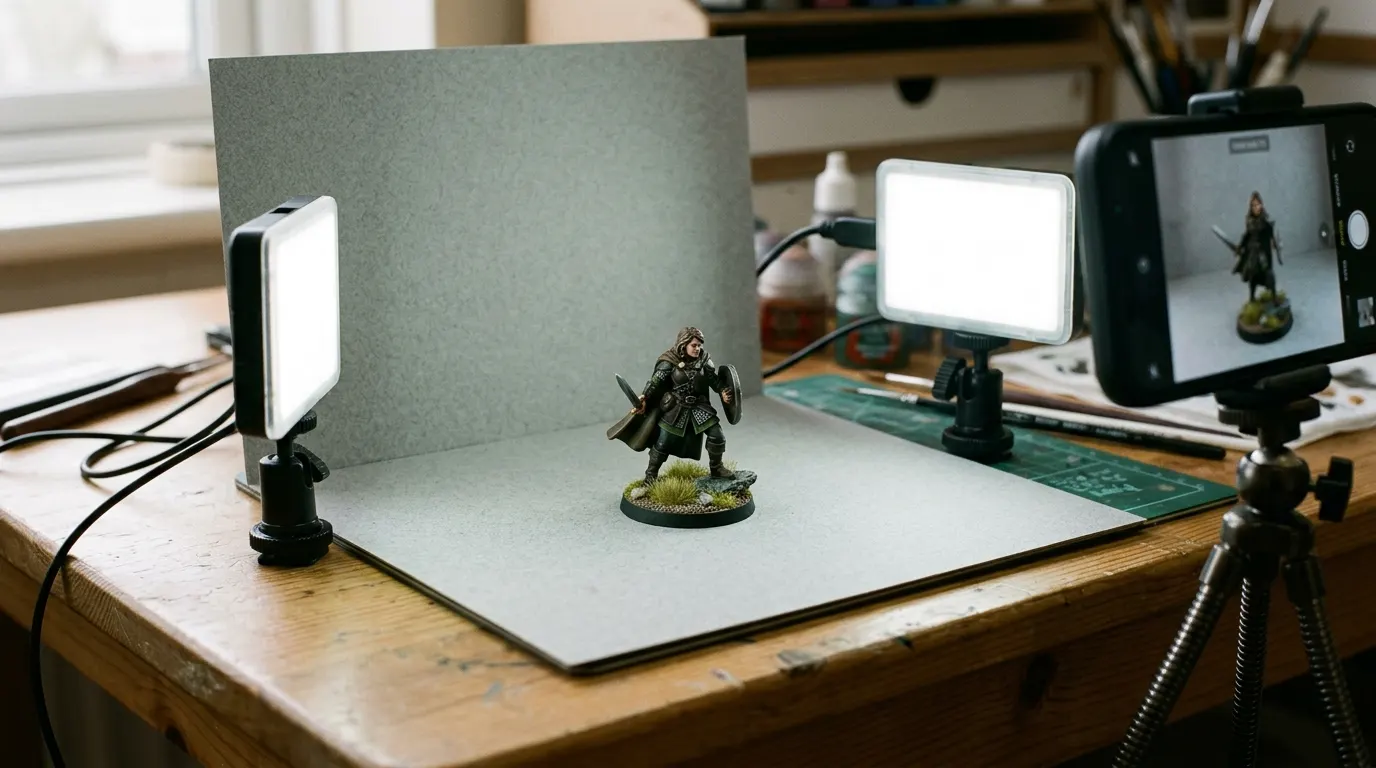
Good miniature photography comes down to five things: soft light, the camera at the figure’s eye level, a sharp face, a plain background and true colour. A phone is enough for all five.
-
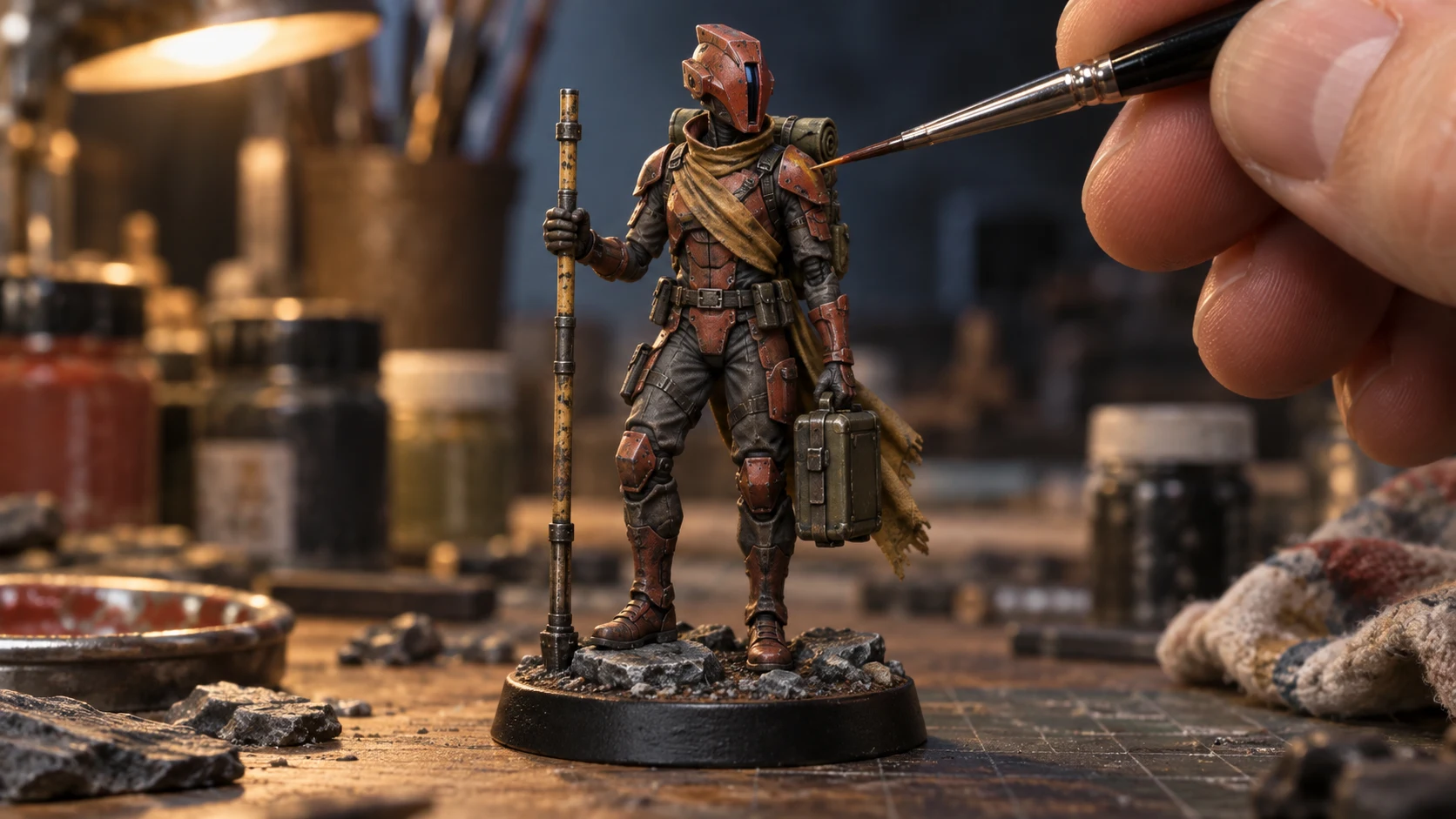
Light the paintwork evenly and keep the whole figure in frame.
-
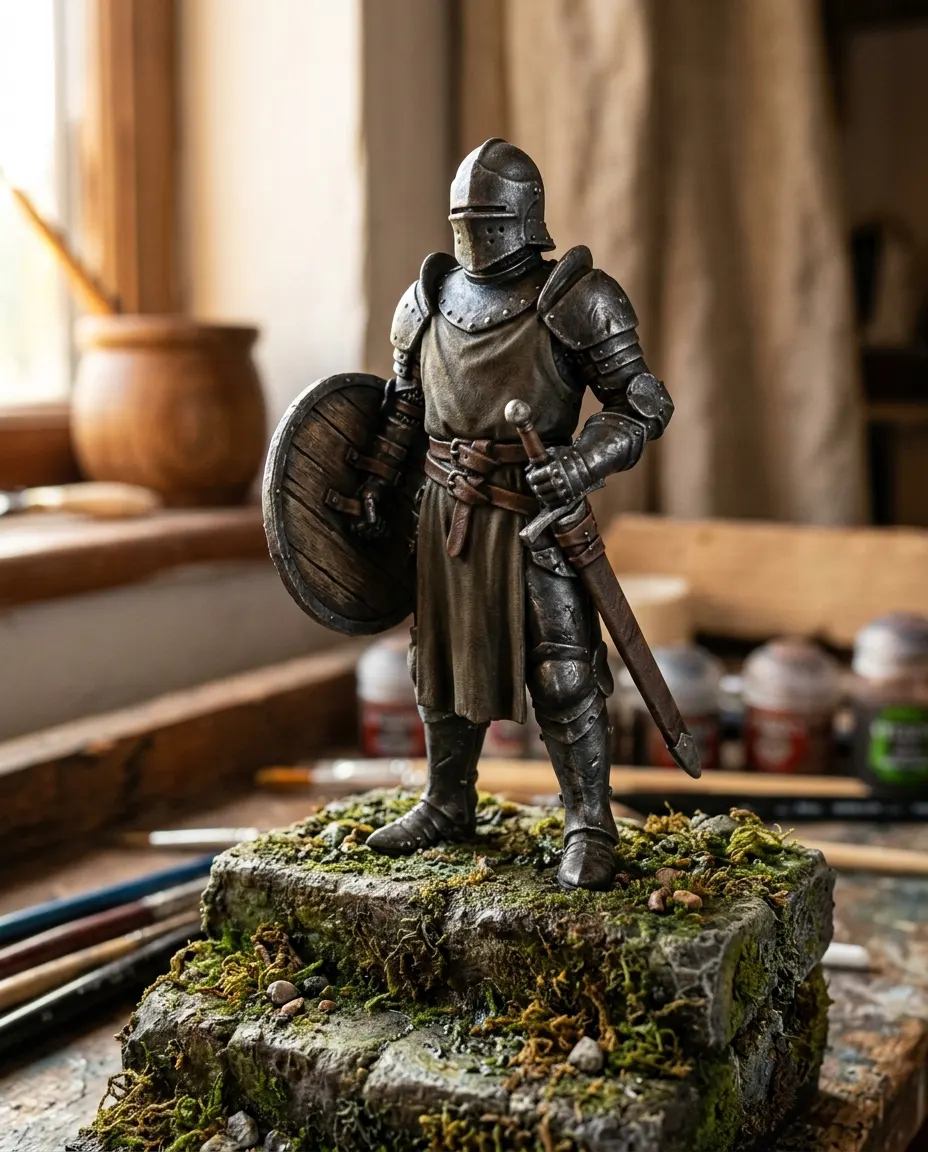
Get level with the character so the face and equipment read clearly.
-
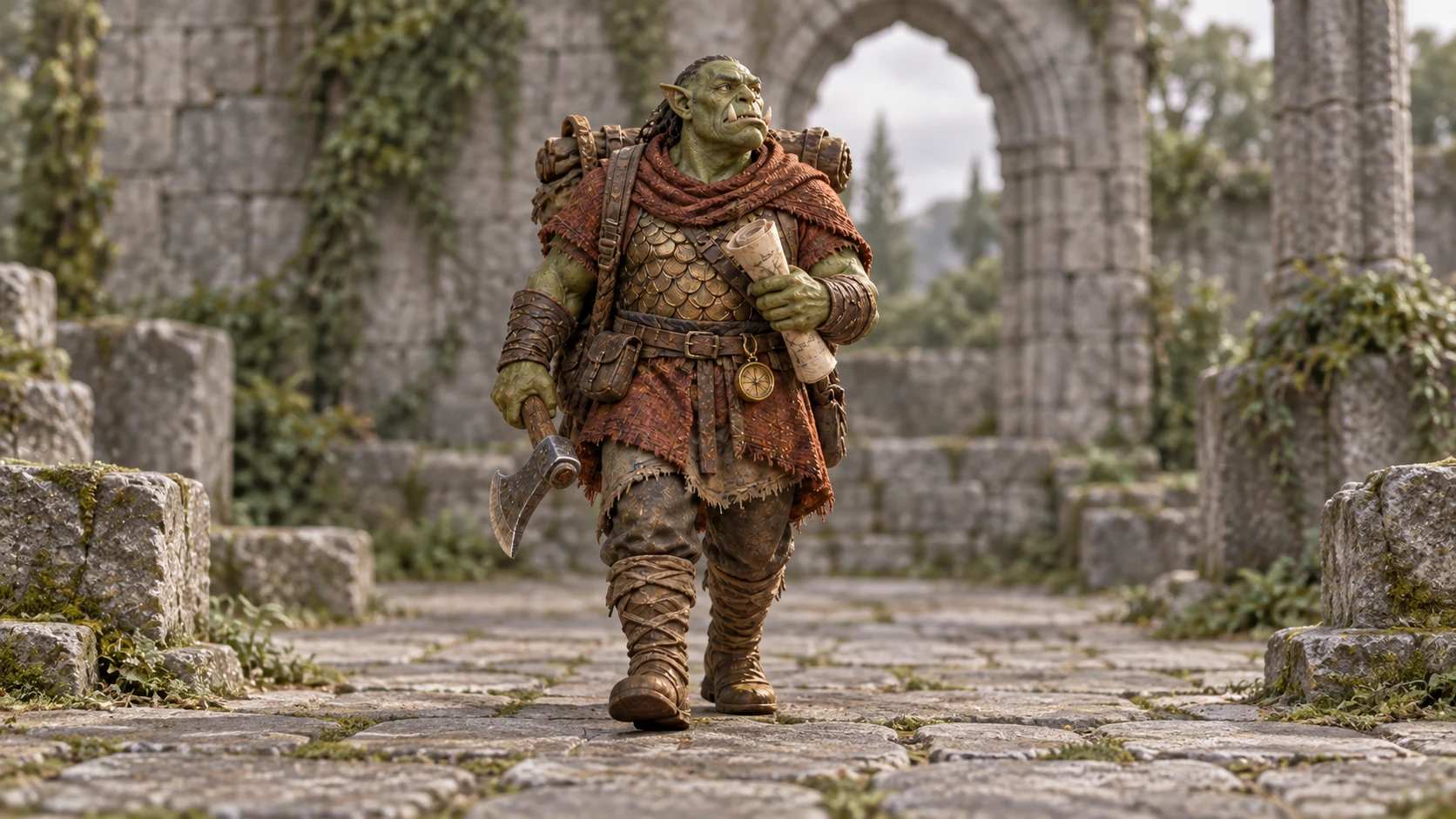
A clean reference helps a scene aim to keep the pose, colours and details.
-

Pick a route: print the photo as it is, or create a scene around it.
An example. Yours is made from your own photo.
Miniature photography starts with the light
Use a diffused lamp or indirect daylight. A plain background keeps attention on the model. Avoid mixing very warm room lights with a cool desk lamp, which can make different sides of the same figure appear different colours.
Get level with the character
Bring the camera down toward the model’s eye level and support your phone or camera. Move back a little if the nearest part is sharp but the face isn’t. Take several views and compare them at full size.
Leave the whole figure visible
Include the base and any raised equipment. An image with missing edges gives the scene generator less information and gives you fewer crop choices for direct printing. Check delicate pieces against the background.
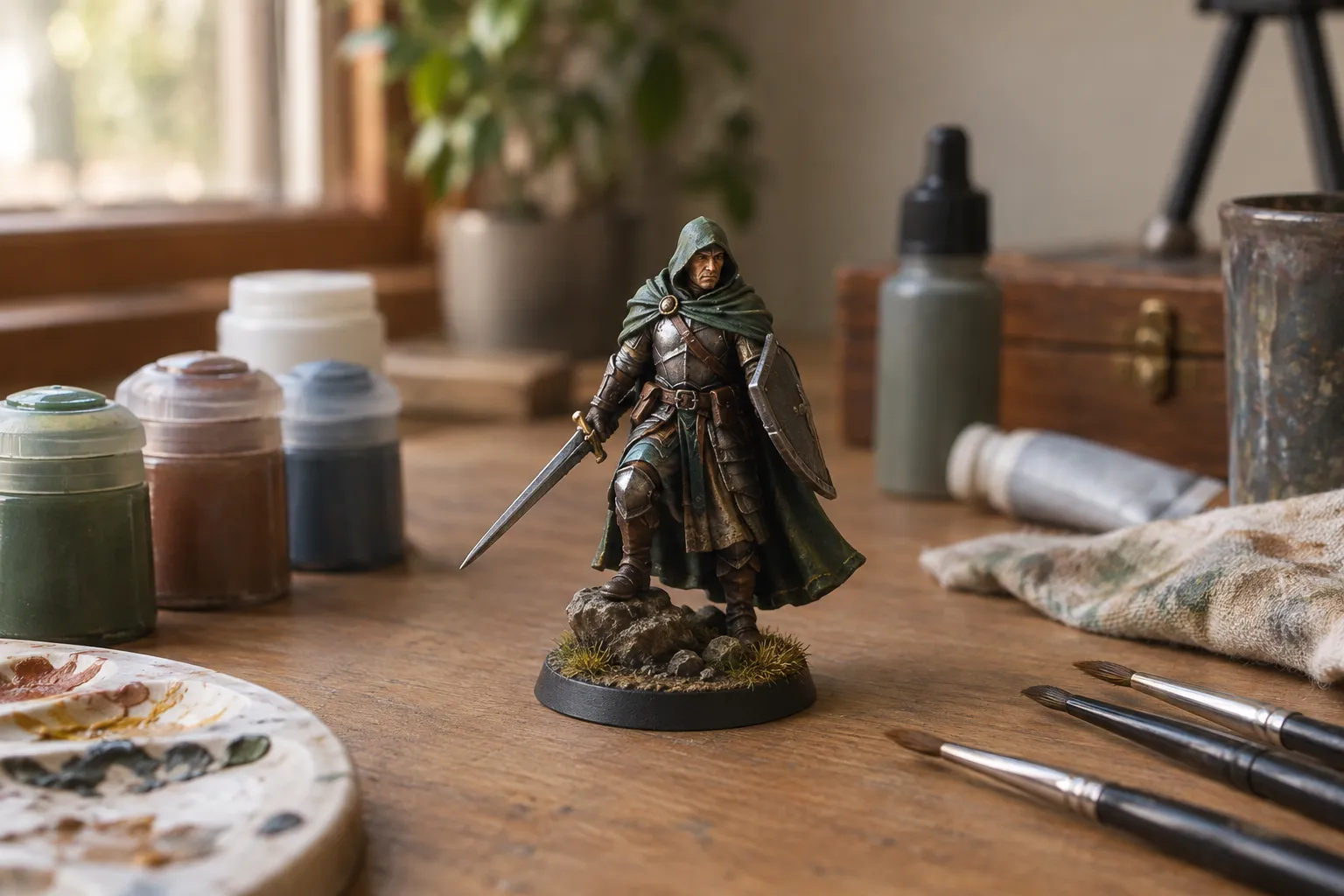
Keep the face sharp
Up close, only a thin slice of the figure is in focus. Tap the screen on the face, since that is where people look first, and let the base go slightly soft if it must. If the face will not sharpen, move the phone back and crop afterwards. Some photographers take several shots focused at different depths and merge them with focus-stacking software, which suits a figure with a long spear or a wide base.
Choose a plain background
A sheet of mid-grey or white card curved up behind the figure gives a clean backdrop with no horizon line. Grey keeps metallics and pale skin from washing out; white suits a dark figure. A cutting mat or a cluttered desk in shot pulls the eye away from the paintwork. Miniature photo backdrops covers printed and painted options.
Keep the colours true
Set the phone’s white balance to match the lamp, or shoot a plain white card in the same light and correct to it afterwards. Skip filters and heavy saturation. A print shows the colours in the file, so a photo that looks warmer than the figure will print warmer too. Compare the photo with the model on the desk before you send it anywhere.
Pick a route
Direct printing keeps the photo unchanged by AI. The miniature studio offers preset settings. Its result needs a careful comparison with your original; it is not guaranteed to preserve every painted or sculpted detail.
Once you’ve got the photo, how to make prints of your art shows which sizes it will carry and what each finish looks like, and printing and framing a photograph helps you choose a frame.
Not painted the figure yet? How to paint miniatures covers the stages before the camera comes out.
Questions and answers
How do I take good pictures of my minis?
Four habits: diffused light from one side, a plain background, the camera at the figure’s eye level, and the phone resting on something solid with the timer on so it doesn’t shake. Keep the whole base in frame, take several shots and compare them at full size before you pick one. That photo is what prints, so it’s worth the ten minutes.
What is the best camera for taking pictures of miniatures?
One that focuses close and stays still. A phone with a close-focus or macro mode is enough for a print when the light is good and the phone is propped up. Light and stillness change the result more than the camera does. Our guide to iPhone macro photography covers focus distance and cropping.
What is the best lens for photographing miniatures?
On a camera with interchangeable lenses, a macro lens, which is built to focus close. On a phone, use the close-focus or macro mode, and if the preview goes soft, step back and crop afterwards instead of pushing closer. Up close the sharp zone is shallow, so tap to focus on the face and accept that the base may be softer.