Photograph printing and framing: choose the size, frame and surface
Photograph printing and framing comes down to a few decisions: a size your file can carry, paper or canvas, a frame finish, and a crop you're happy with. This guide takes them in order, from the picture on your phone to the frame on your wall.
Jump to a section · 9 sections
Good printing and framing starts with the photograph, not the frame. A frame can't add sharpness that isn't in the file, and it can't rescue a crop that loses the subject. So this page follows the order in which the decisions turn up: the picture, the size, the surface, the frame finish, the crop, and what happens once you've ordered.
It covers photographs, and photographs of drawings and paintings, which behave the same way. To compare every product, see choose your format; to check the file alone, see prepare your artwork.
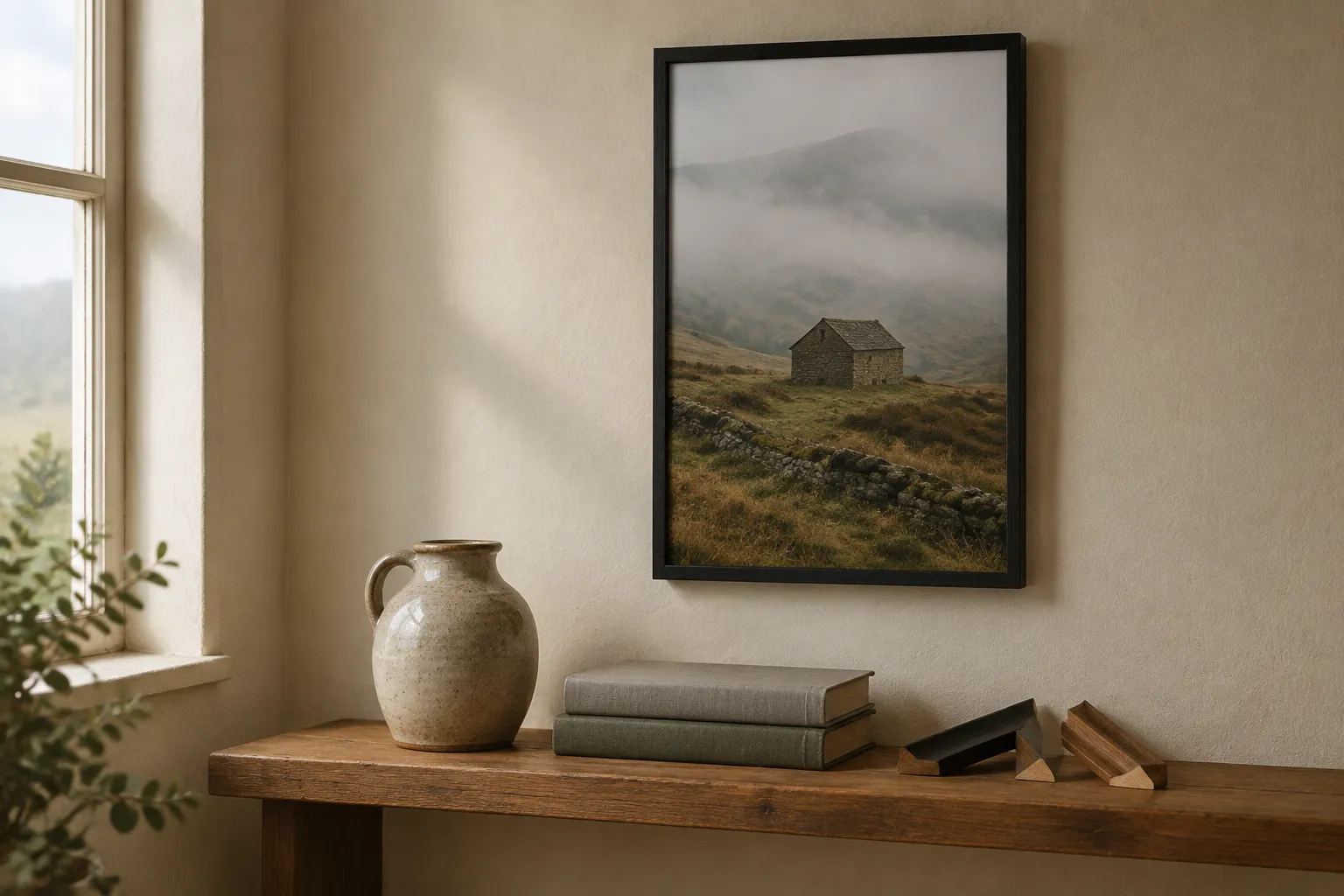
Start with the right picture
A framed picture gets looked at from across the room and then, sooner or later, from a hand's width away. It's the second look that exposes problems. Pick a photograph that survives both: a clear subject, focus where you meant it, and no heavy digital zoom. Grain that hides on a phone screen can show on a bigger sheet, so a shot taken in dim light is a gamble.
Use the original camera file where you can. A copy saved from a message or a social post can lose detail before it reaches us, and nothing later puts it back. If you're framing a drawing or a painting instead, photograph it flat, in even light, with the camera parallel to the surface. How to photograph artwork walks through it, and photographing a miniature does the same for a figure.
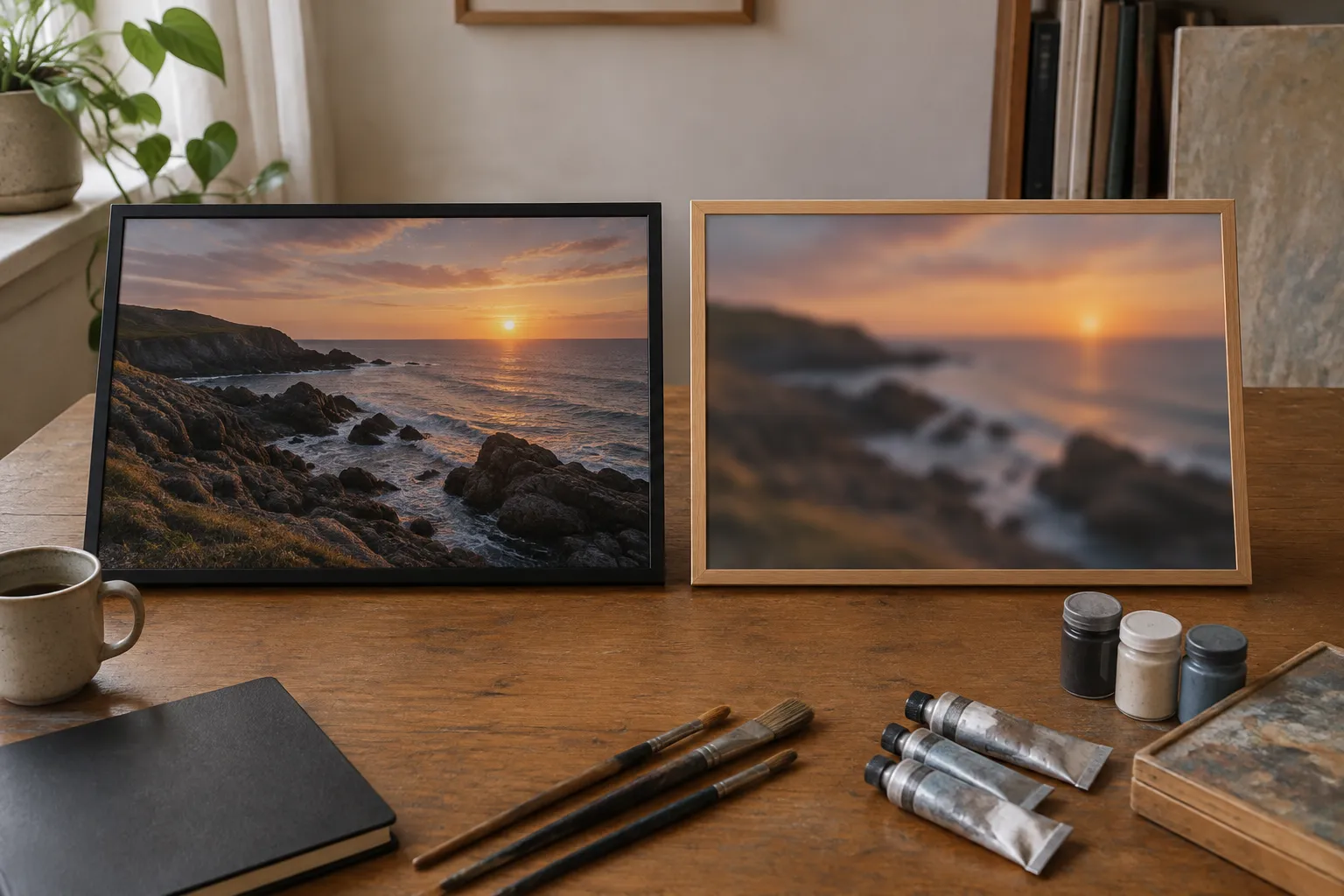
Why does a photo look soft when printed?
Start with the pixels. The paper sizes guide puts it in one line: pixels divided by dpi gives inches. At 300 dpi, which that page treats as a convention, not a law, A3 wants 3508 x 4961 pixels, about 17.4 million in all. A2 wants 4961 x 7016, about 34.8 million. Each size has its own page with the same arithmetic: A3 and A2.
Two habits shrink a file without you noticing. One is sending a screenshot or a messaging copy. The other is cropping hard: if you zoom in on the subject, you keep only a slice of the pixels, and a picture that could carry A3 whole may not carry it after the crop. Changing the dpi label on a file doesn't add detail either, because the pixels are what count.
We do the checking at upload. Sizes the file's resolution can't support are withdrawn at upload, so you only choose from sizes your picture can carry. If the size you wanted has gone, go back to the original camera file or a larger export. If it's still missing, take a smaller size. And if the photograph was out of focus when you took it, no size will cure that, because printing shows the file as it is.
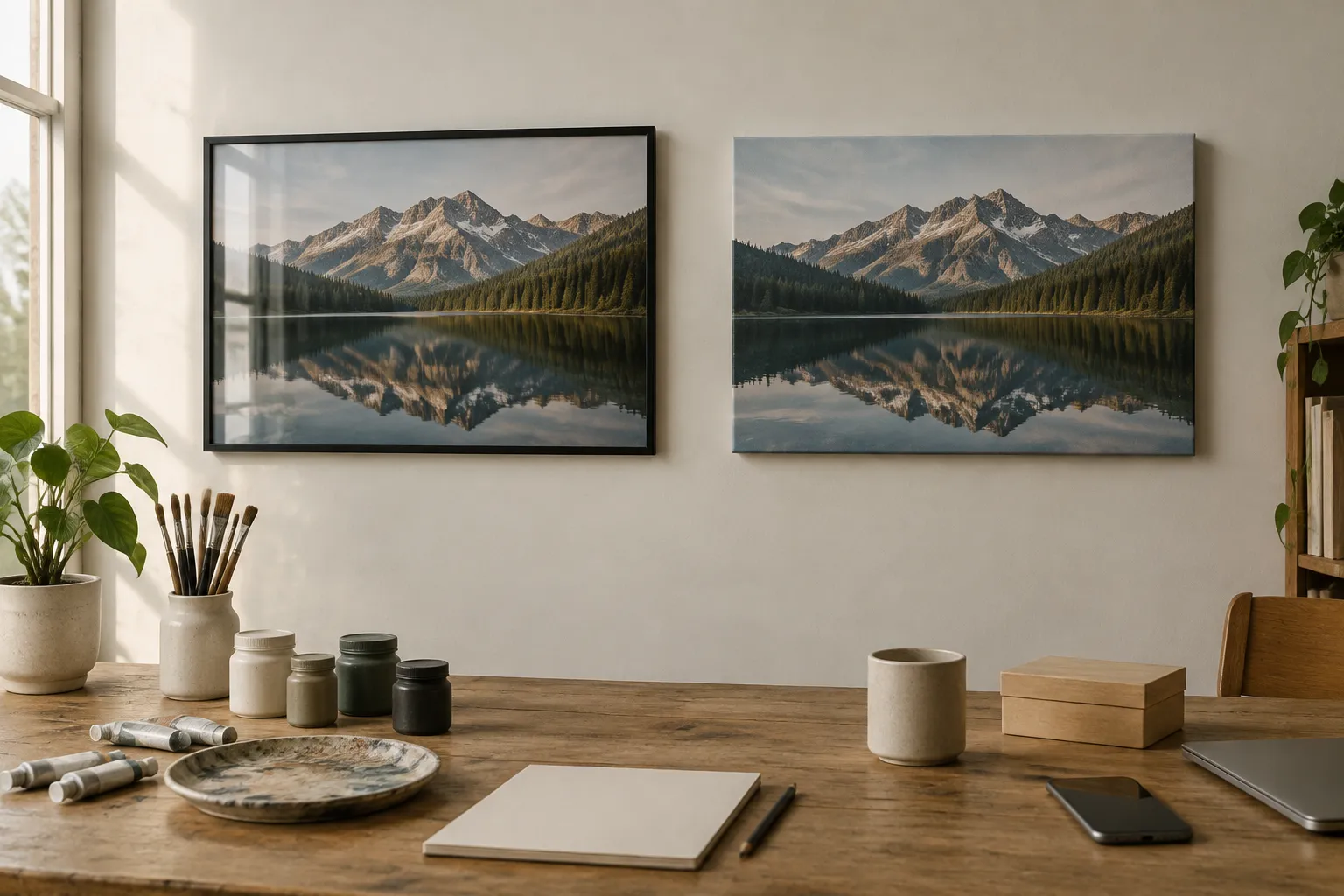
Picture printing and framing: paper or canvas?
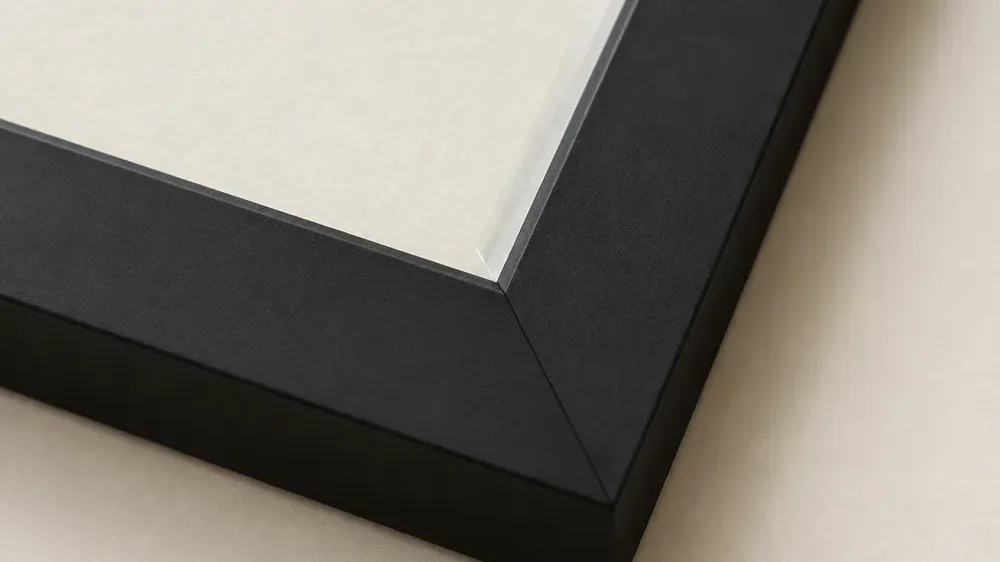
A framed print puts your photograph on 250 gsm uncoated off-white archival paper, behind clear plexiglass, in a wooden frame. Uncoated means no glossy layer, and off-white means the palest parts of the picture take on the paper's own shade, not a bright blue-white. That suits a photograph with fine detail, where you want nothing competing with the marks. The clear front does catch reflections, and as the hanging guide notes, a canvas can face a window where a framed print can't.
Framed canvas is the same photograph printed on canvas, stretched over a 2 cm wooden stretcher and set inside a frame. The woven surface adds a texture of its own. Our advice, and it's a judgement, not a rule, is to give canvas the pictures built on broad shapes and soft light, and to keep paper for the ones where the value is in fine detail. The front shows your full crop; the edges carry a soft band made from the picture's own colours.
What you can choose, in one place
- Framed prints: A3 (29.7 x 42 cm) or A2 (42 x 59.4 cm), in a black or natural wood frame.
- Framed canvas: 30 x 40, 40 x 50 or 50 x 70 cm across the canvas face, in black, dark wood or natural wood. The frame adds to the outside size, which comes to about 35.2 x 45.2, 45.2 x 55.2 and 55.2 x 75.2 cm.
- Unframed art prints: A4, A3, A2, 50 x 70 or 70 x 100 cm on the same paper, for a frame you already own or a local framer.
- Unframed canvas: 30 x 40, 40 x 50, 50 x 70 or 60 x 80 cm.
If you'd rather have a framer of your own make something to measure, a digital download gives you the prepared file by email and leaves the rest to them.
Canvas printing and framing, or a framed paper print
Look at the edges of the picture first. A photograph that fades to deep shadow at the border, like a night sky or a dark interior, melts into a black frame, while a picture with a bright border gets a firm outline from it. Natural wood is lighter and sits more quietly beside warm colours and pale walls. Dark wood, offered on framed canvas only, is warmer than black and darker than natural.
Then look at the room. A finish that repeats something already there, such as a shelf, a door or a window frame, looks chosen, not added. Measure the wall against the outside size of the frame, not the size of the picture, and if this is one of several, the gallery wall guide covers spacing and how to mix sizes.
Get the crop right before you order
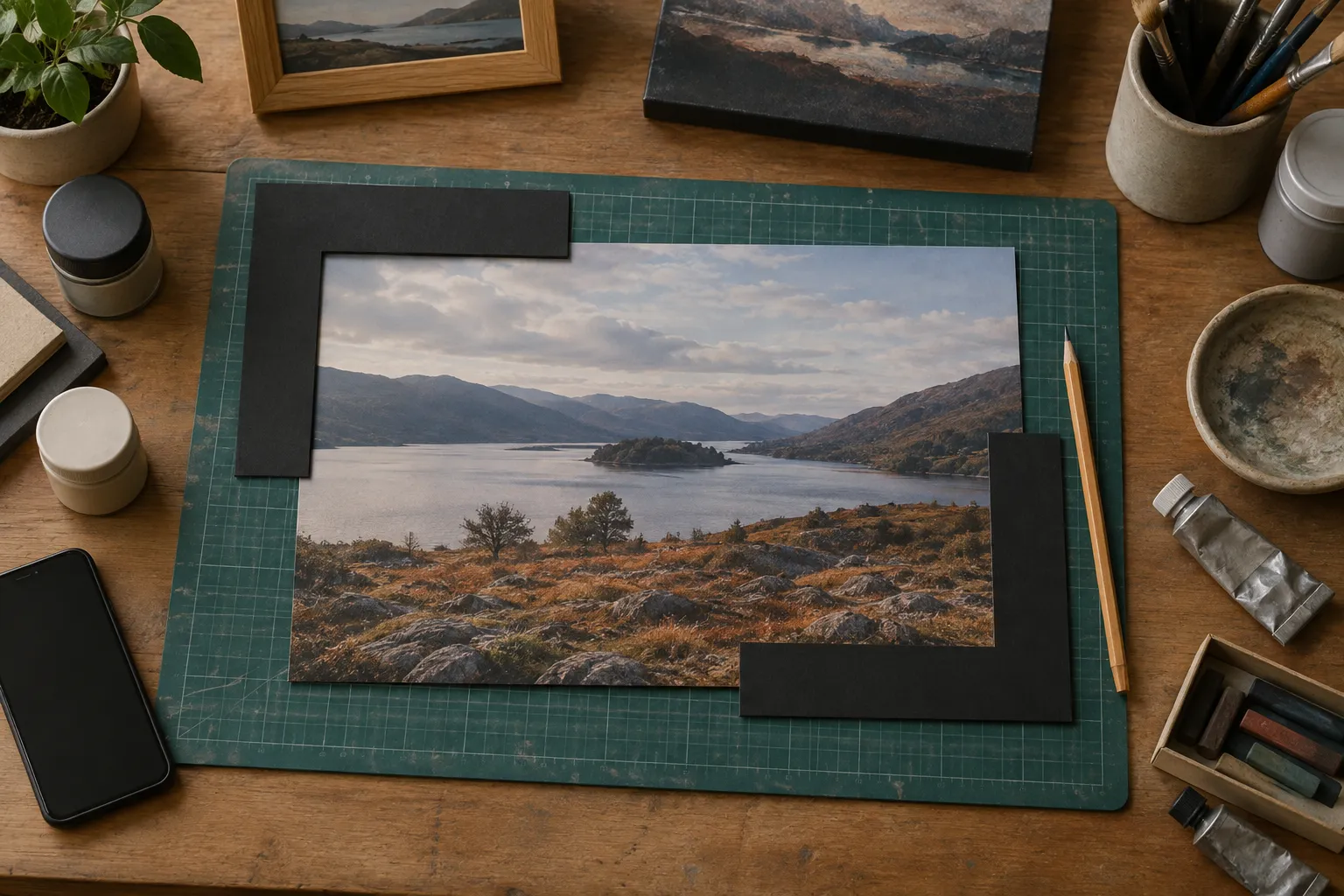
The A sizes share one proportion, the longer side being about 1.41 times the shorter. A photograph taken at 3 to 2 is a little longer than that, so the crop trims a sliver from the long side; the preview shows the area that prints. Look at it at the size you've chosen, because a crop that reads well on a phone can feel tight on a wall.
Keep faces, the horizon and any lettering a comfortable distance from the edges, since the frame sits close to them. Straighten a tilted horizon before you upload, too. Against a perfectly straight frame edge, even a small lean shows.
A five-minute check before you upload
Open the original file at full size and look at the part that matters, such as a face or the edge of the main subject. If it's soft there, it'll be soft on the wall. Then read the file's pixel dimensions from its properties and set them against the A3 and A2 figures above. Save the result as a JPEG, PNG or WebP no larger than 10 MB, and leave layers and edits you don't need behind.
Whose photograph is it?
Before an upload goes through, you tick a box confirming two things: the image is yours or you may use it, and you hold the rights, or permission, for it to be transformed and reproduced the way you asked. The upload is refused without it. If the photograph is someone else's, ask them first. The UK government's copyright guidance explains what copyright covers, and the questions below quote it.
Printing and framing: ordering, timing and hanging
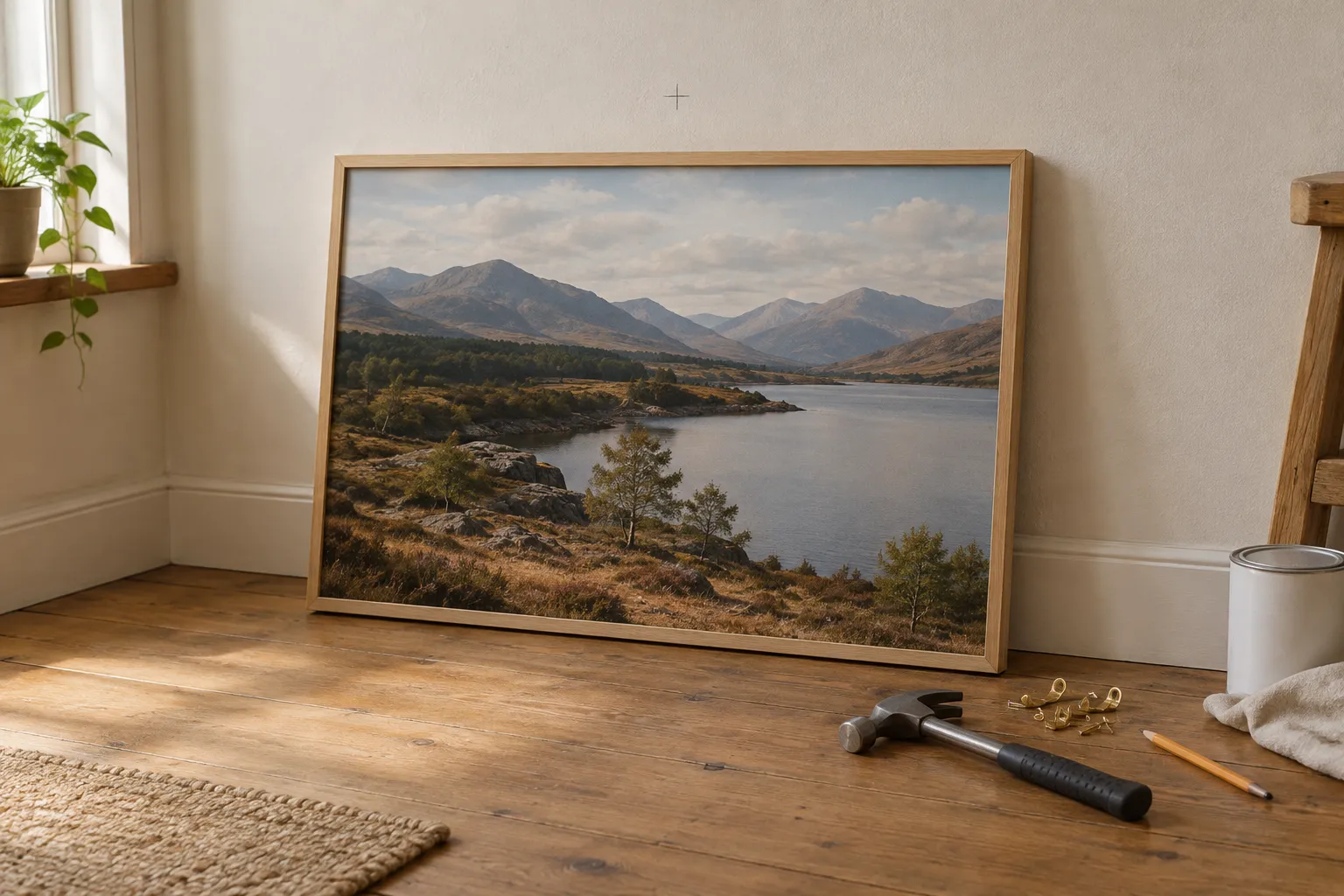
Physical items are made to order, so allow 4-9 working days and order by Thursday 10 December for Christmas (Tuesday 15 December with Priority delivery). Standard UK delivery is included in the price, and when your order ships we email you the tracking details. Delivery and returns covers the rest. Once it's here, hanging a picture straight and level is easier if you measure to the middle of the frame, not to the hook.
To begin, upload the photograph, choose "Print as it is" if you want it left exactly as taken, and check the crop at the size you've picked. You can compare every size and price before you commit.
Questions and answers
Can I print a photograph someone else took?
Ask the photographer first; the upload step makes you confirm the image is yours or that you have their permission. GOV.UK puts it this way: "Copyright protects your work and stops others from using it without your permission." It lists photography among the works copyright covers ("original literary, dramatic, musical and artistic work, including illustration and photography"). Use the file the photographer is happy to share, and note that the upload also asks you to confirm you hold the rights, or permission, for it to be transformed and reproduced the way you asked. Source: https://www.gov.uk/copyright
Why does my photo look soft when printed?
The likeliest cause is a file with too few pixels for the size. Pixels divided by dpi gives inches, and A3 at 300 dpi wants 3508 x 4961 pixels. Sizes the file's resolution can't support are withdrawn at upload, so use the original camera file, or a larger export, if the size you want has gone.
Is a framed print or a framed canvas better for a photograph?
It depends on the picture. A framed print uses uncoated paper behind clear plexiglass, which suits fine detail. Framed canvas has a woven texture and a deeper edge, which suits broad shapes and soft light. Framed prints come in A3 and A2; framed canvas comes in three sizes.
Can I frame a photograph of my drawing or painting?
Yes. Photograph it flat in even light with the camera parallel to the surface, then upload the original camera file. Pick "Print as it is" to send the photograph to print unchanged, with no AI step.
Do I need to buy the frame separately?
No. A framed canvas arrives framed. With a framed print, the frame is packed in the box alongside the print, and you put the print in it. If you want your own frame or a local framer, choose an unframed art print in the size of your frame opening, or a digital download.
How long does printing and framing take?
Physical items are made to order, so allow 4-9 working days and order by Thursday 10 December for Christmas (Tuesday 15 December with Priority delivery). Standard UK delivery is included in the price, and optional Priority delivery costs extra.