Does it still look like your character?
What to inspect before you approve an AI miniature scene.
Jump to a section · 5 sections
Compare the details you care about
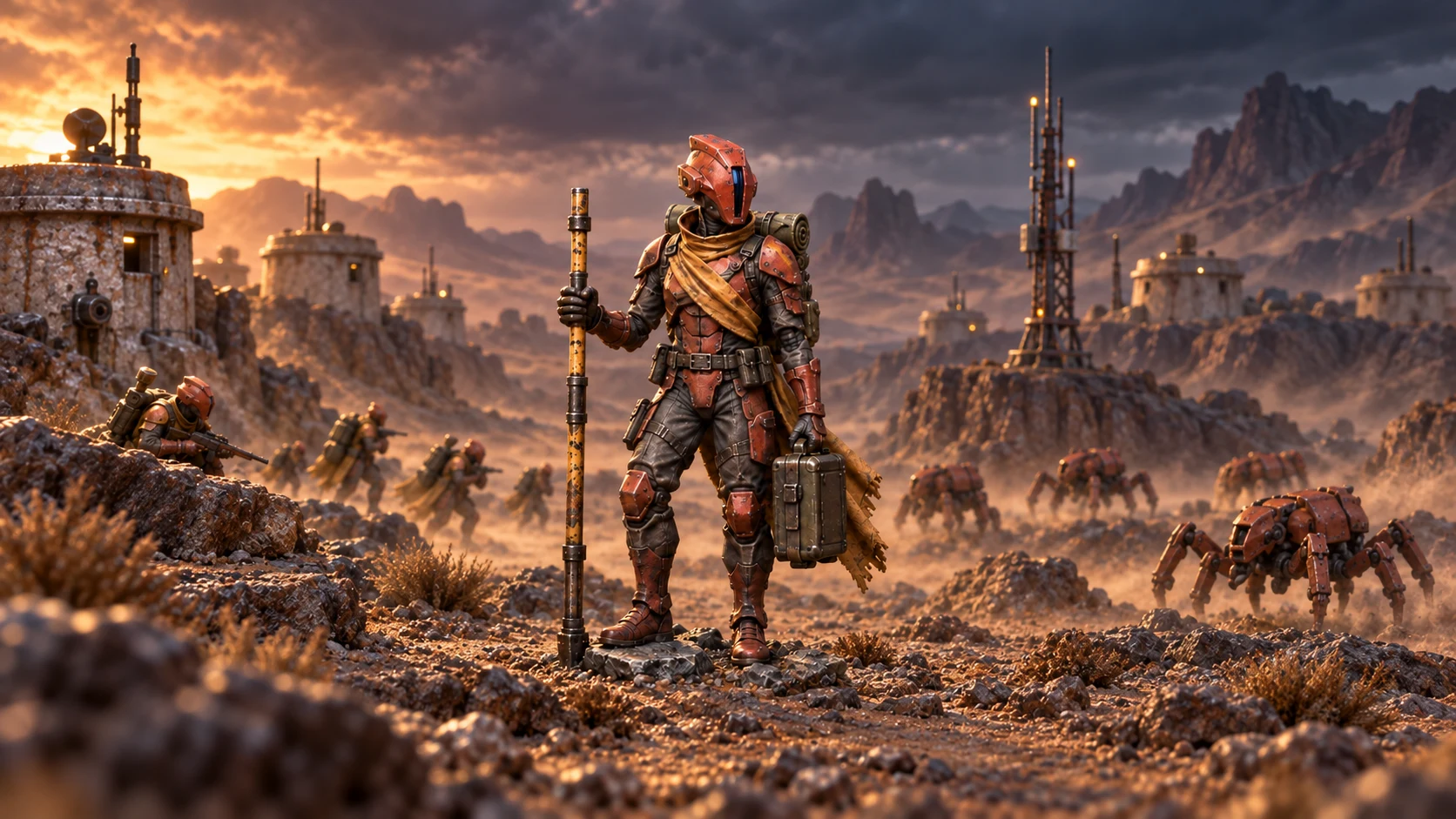
Keep your original photo beside the preview. Compare the face, hands, pose, equipment, and distinctive freehand work. The display base should be removed, with natural terrain beneath the unchanged feet. Look for extra parts. Look for softened textures, or colours that have changed. A sharp original makes this easier: how to photograph miniatures covers the light and the angle.
Judge the setting separately
A dramatic background can make a flawed figure look convincing at first glance, so check the character first, then the setting, then how they work together. Reject an attractive image if it changes something you wanted to keep.
Approve the exact result
Each successful preview is a separate image. Choose the result you want and check its crop in the selected format. The approved composition is used as the starting point for the production render; generation can still introduce differences in fine detail. How the scene studio works has the rest.
Look closely before you approve
A preview on a phone screen hides a lot. Zoom in, or open it on a bigger screen, and look again at the face and the hands. Then check the edge where the figure meets the ground: a foot sunk into the terrain, or a cloak lost against a dark background, is easy to miss at a glance. The preview carries a watermark; the file we print does not. If a detail is wrong, try another scene instead of hoping it will look better in print, because the print is made from the preview you approve.
You can keep the original
If none of the scenes feels right, you can print your original photo. You don’t need an AI scene to make something worth displaying.