Create a scene for your miniature
Upload your painted miniature and choose a setting. Compare the scene with your original before choosing a product.
1 Choose a scene
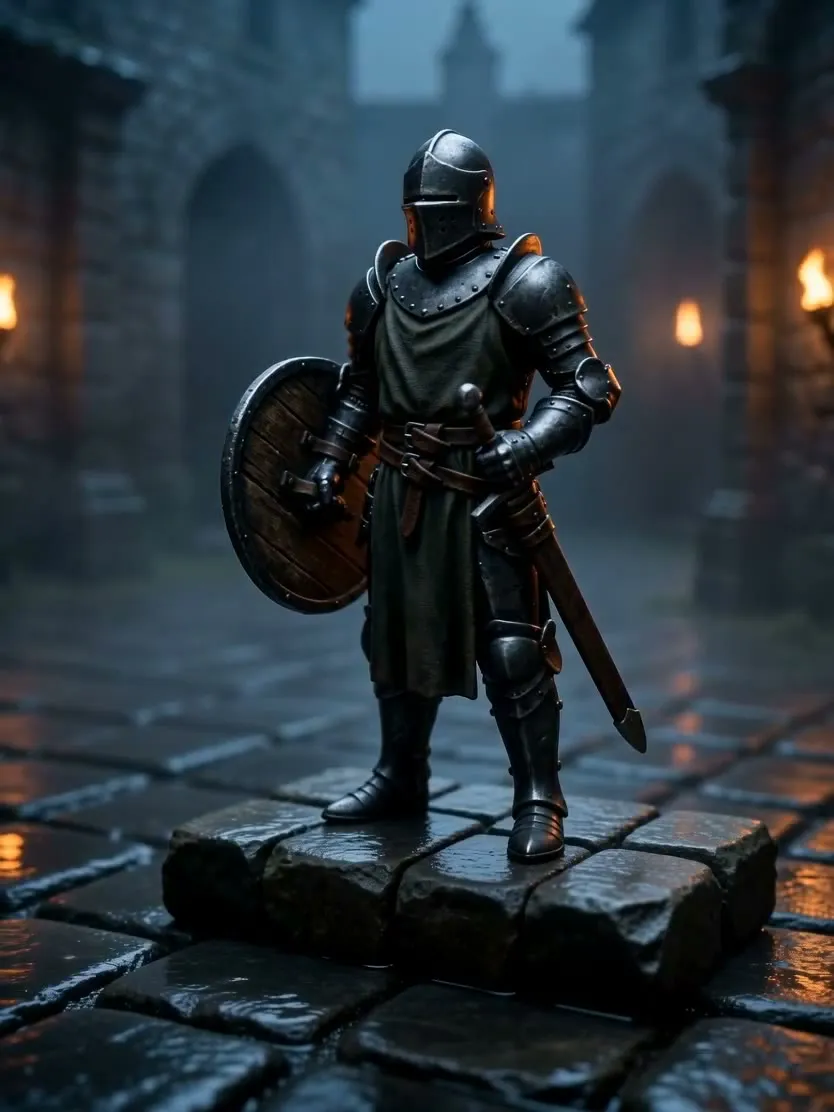 The scene it ends on
 -
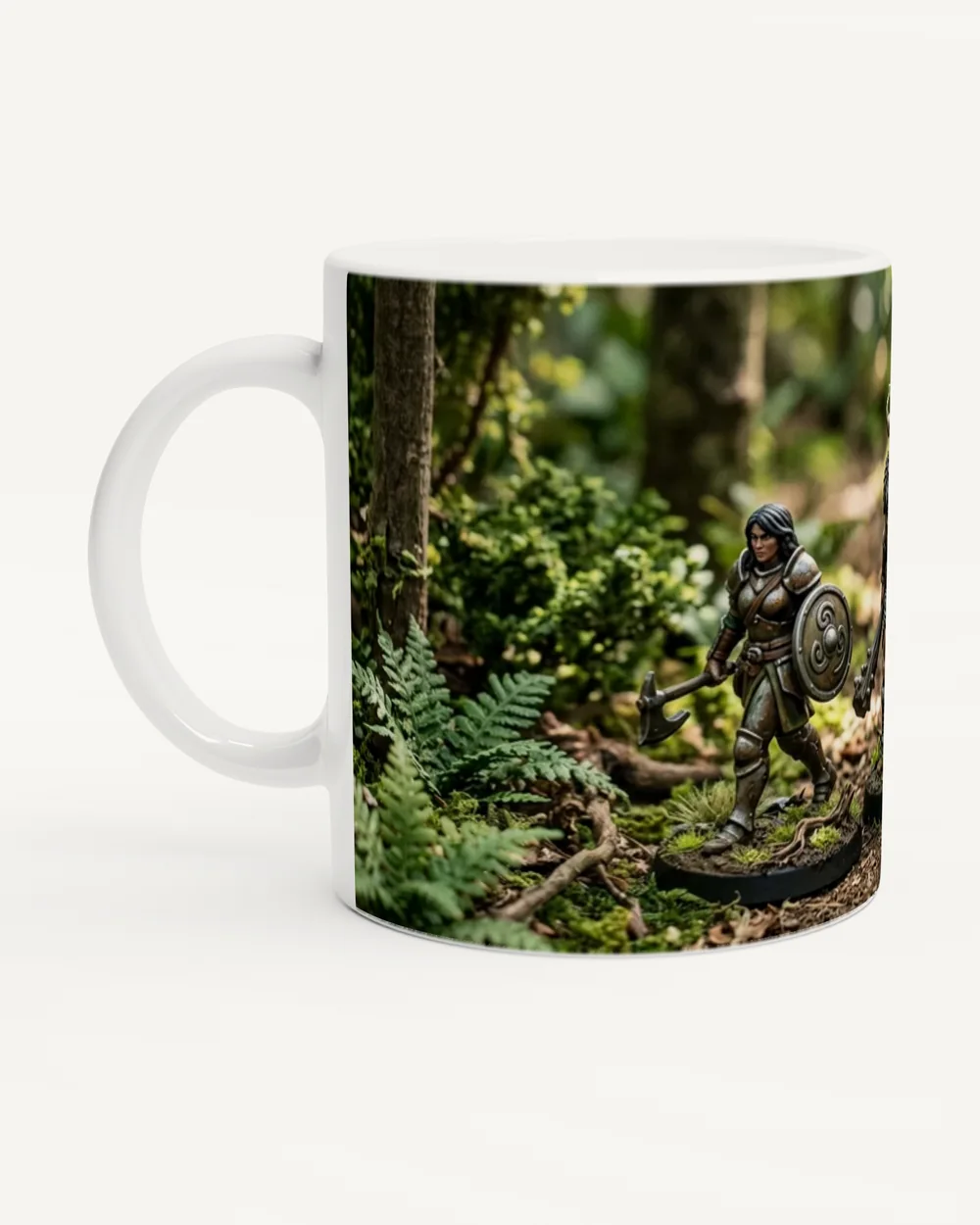
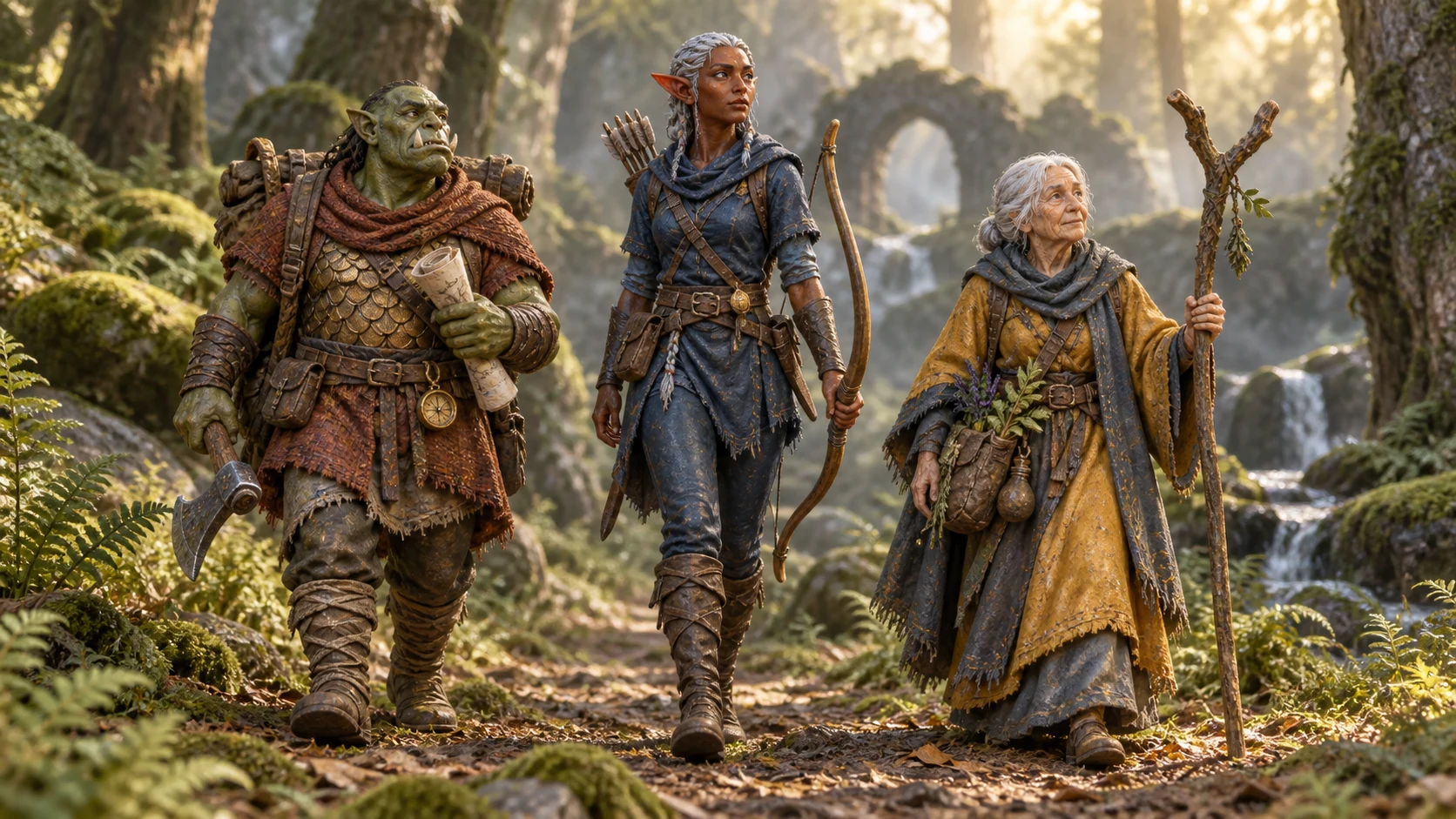 Woodland PathYour character on a forest path, with its display base removed.
 -
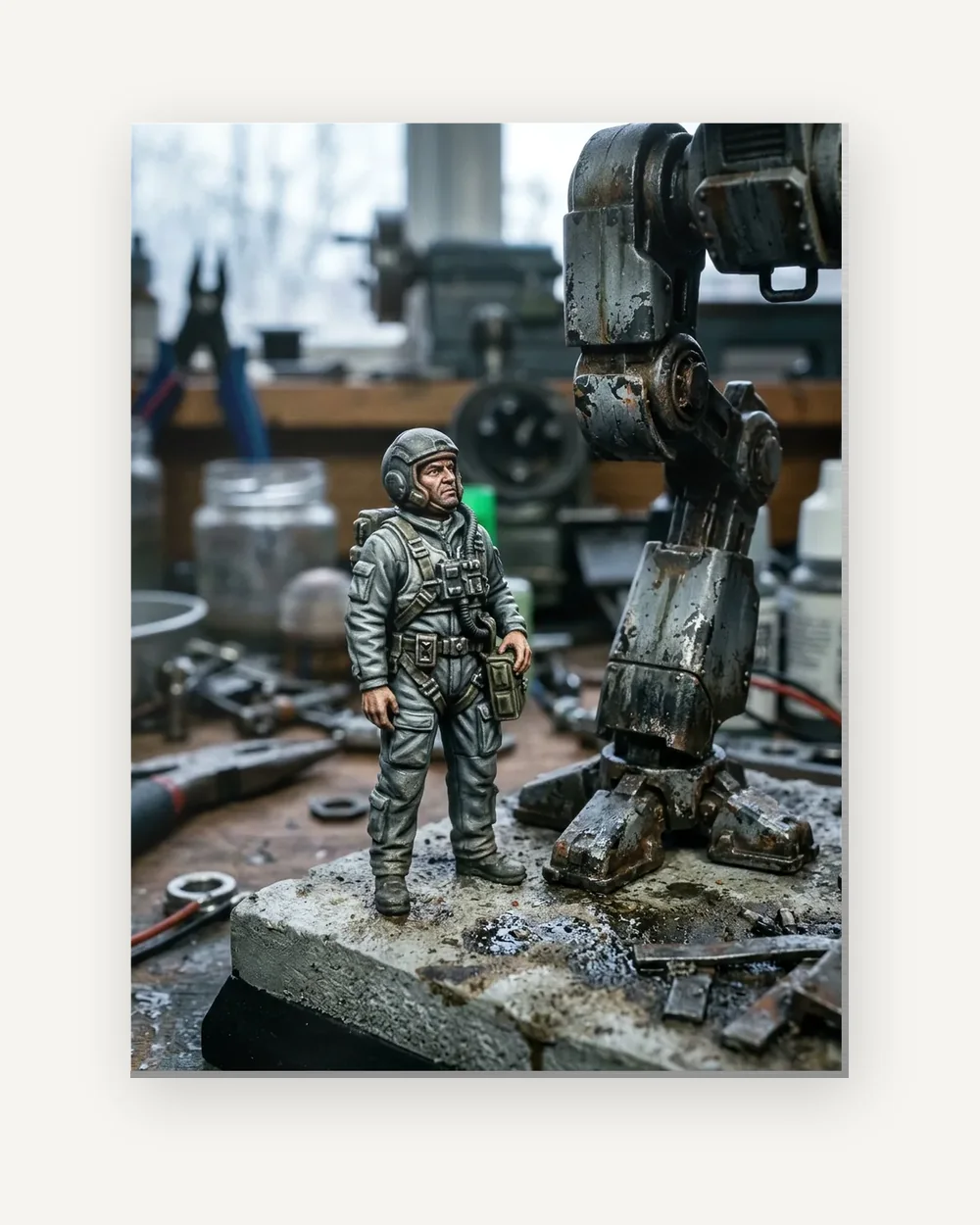
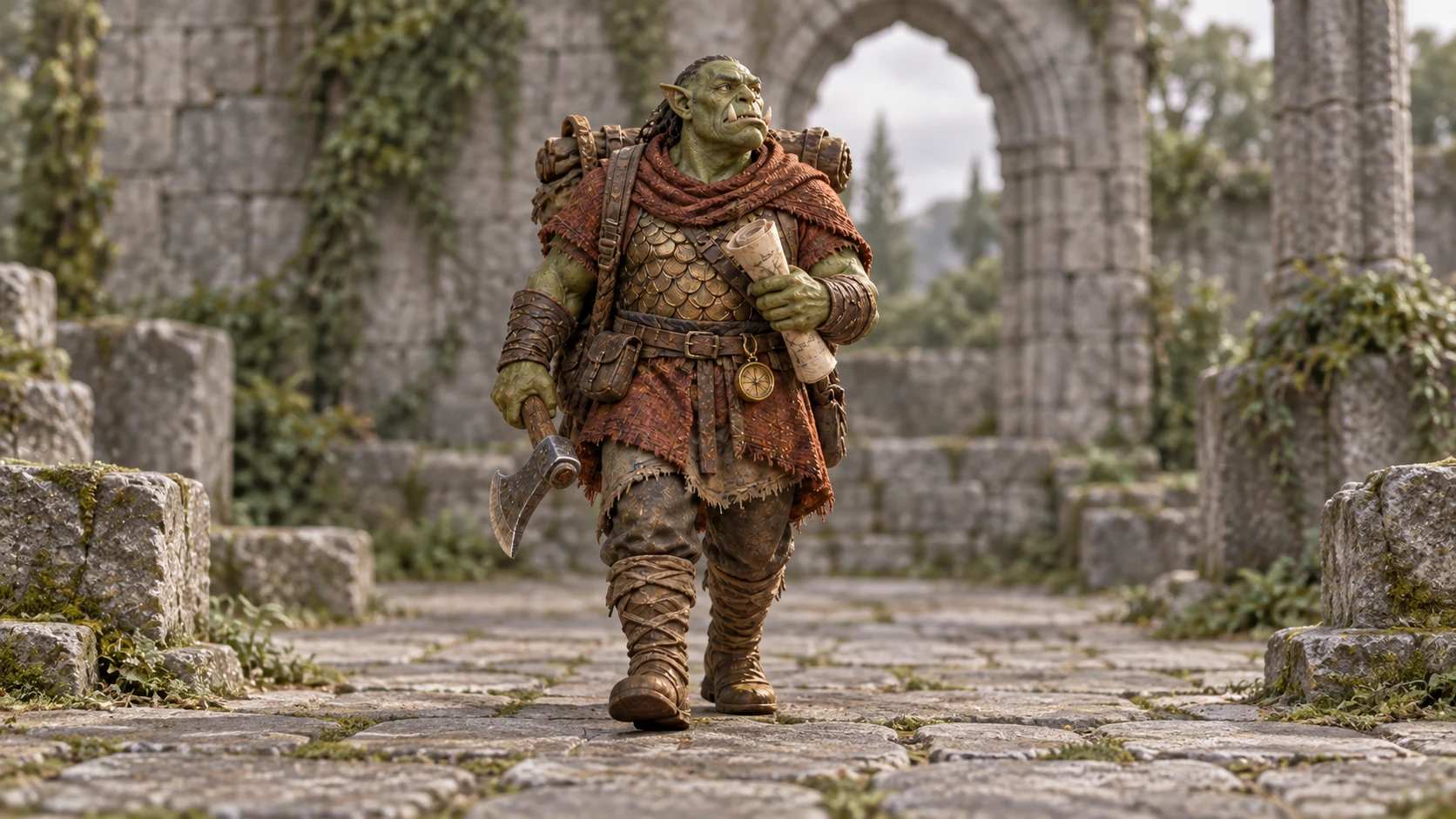 Paintwork PortraitA restrained portrait setting that keeps the attention on your paintwork.
 -
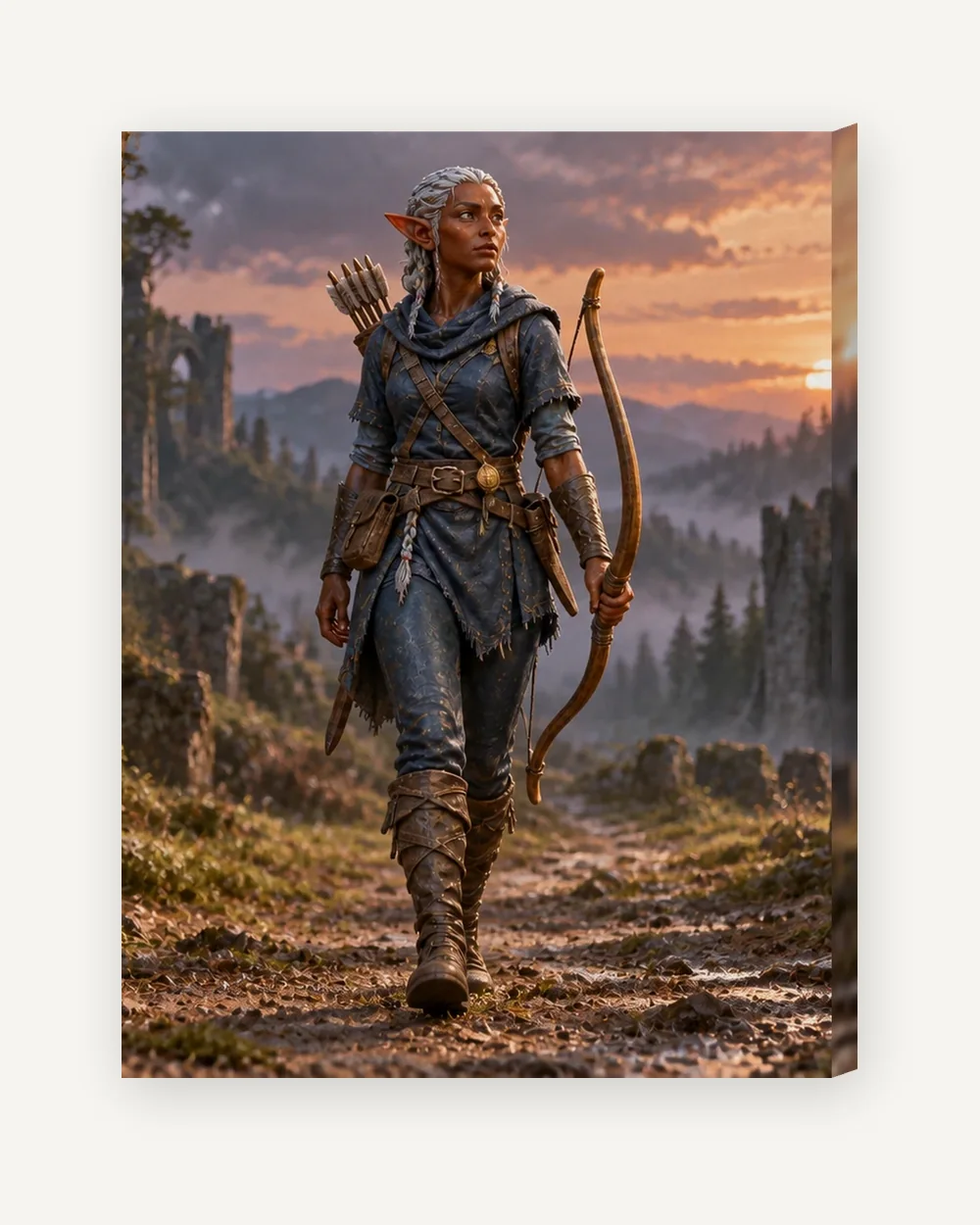
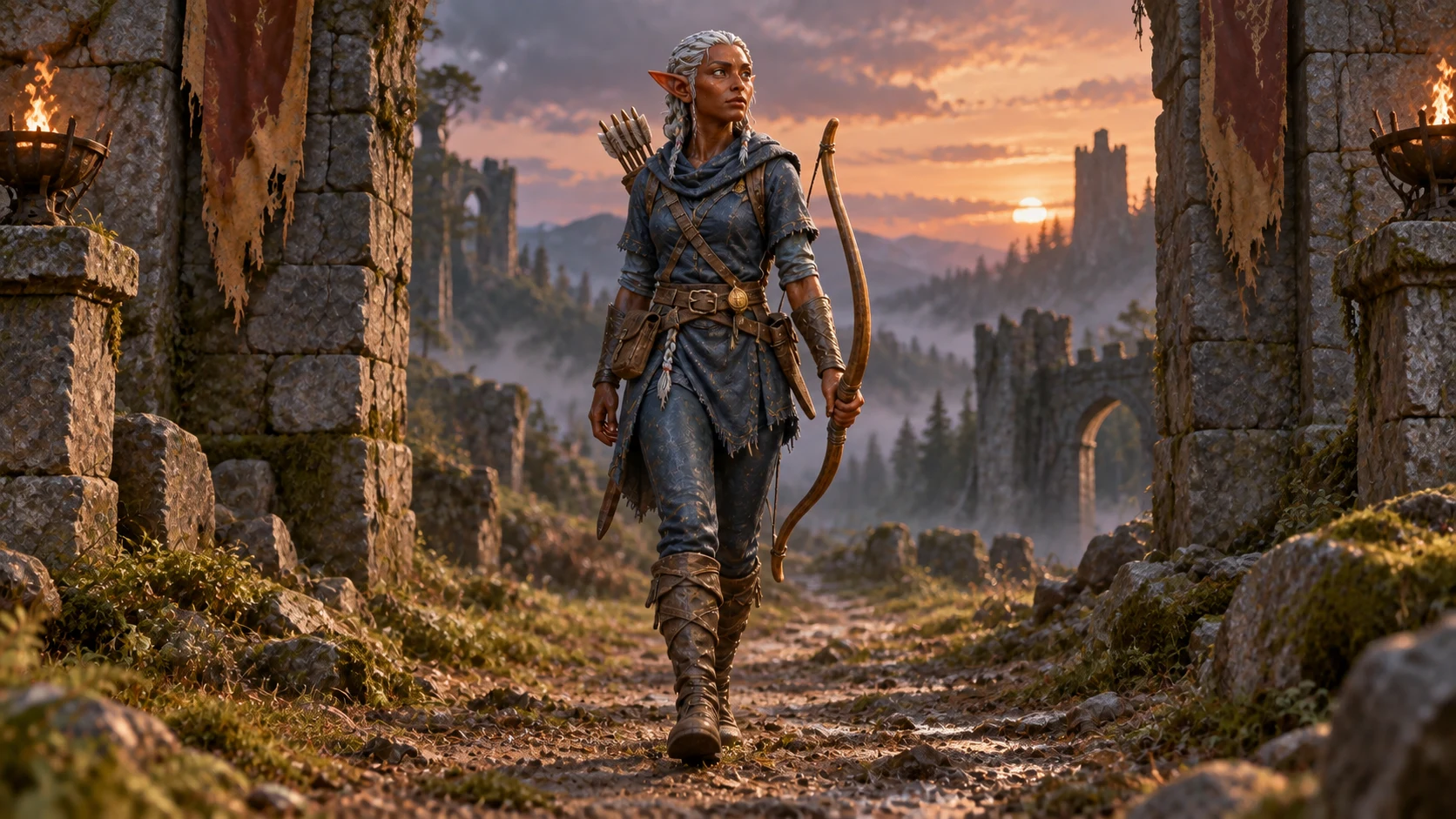 Hero PortraitA dramatic character portrait, grounded in its own world.
 -
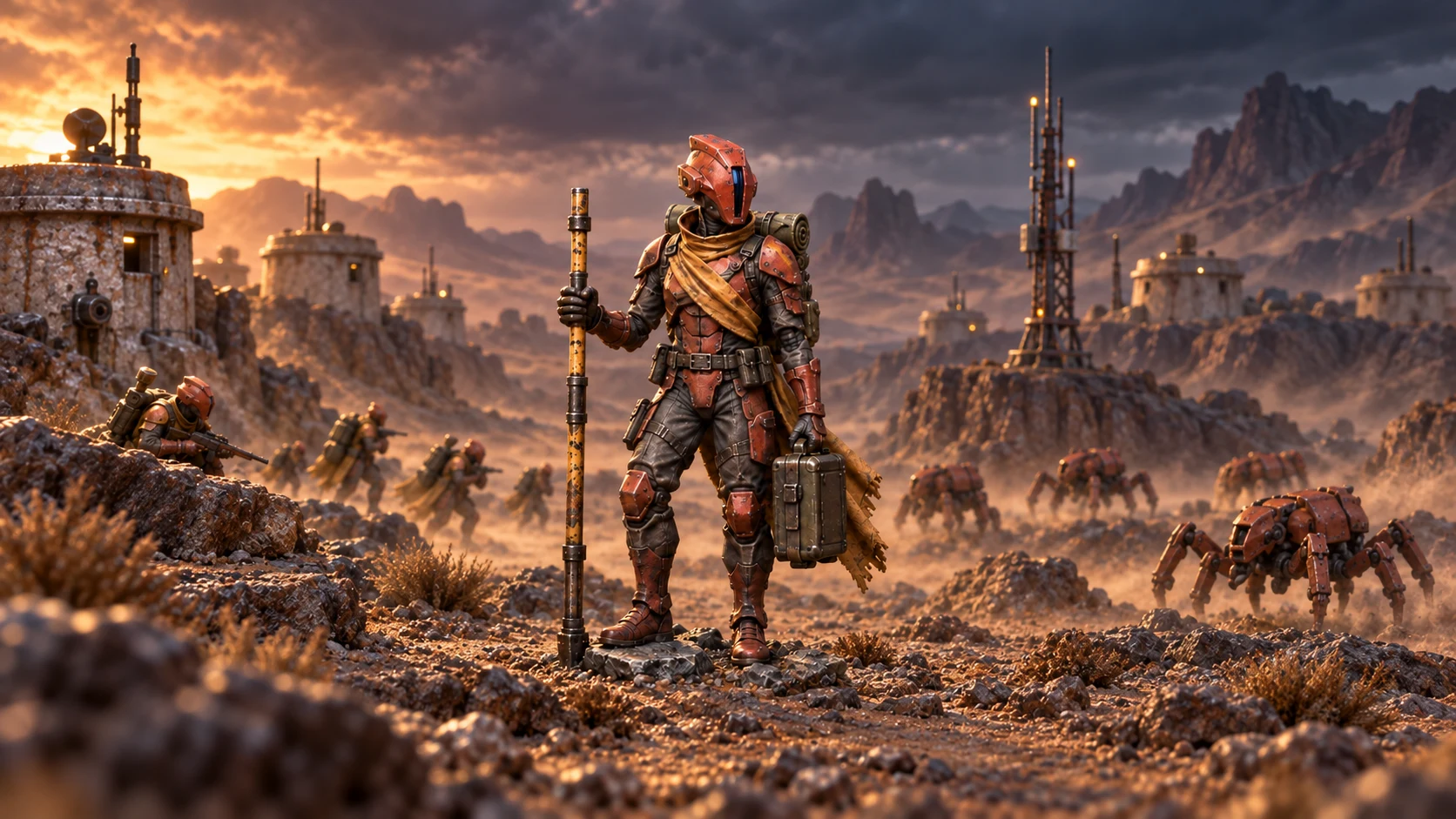 Into BattleYour character on a battlefield, with natural terrain beneath its feet.
 -
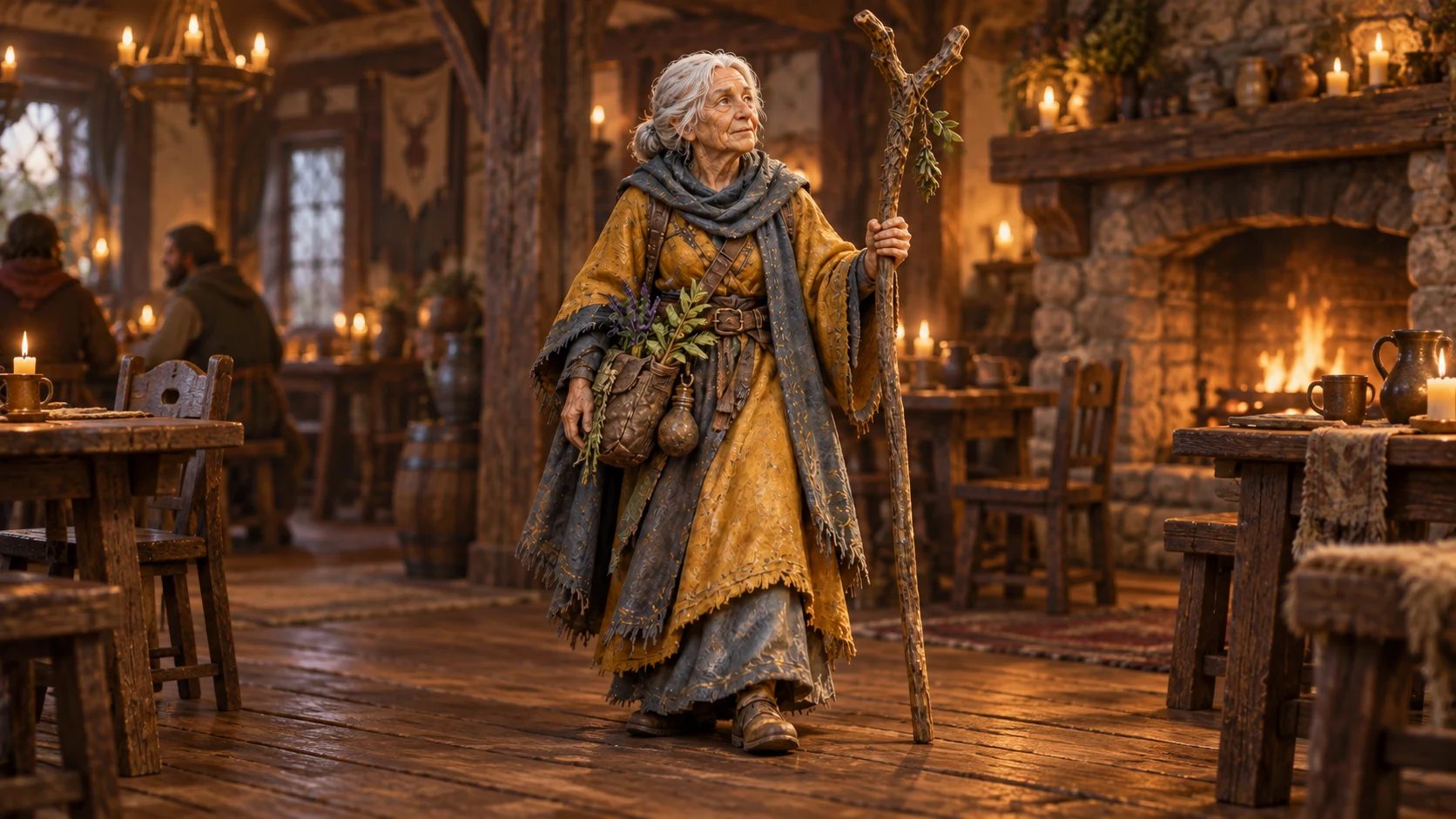 The TavernYour character in a firelit tavern, standing naturally on its floor.
An example. Yours is made from your own photo.
2 Choose a product and size
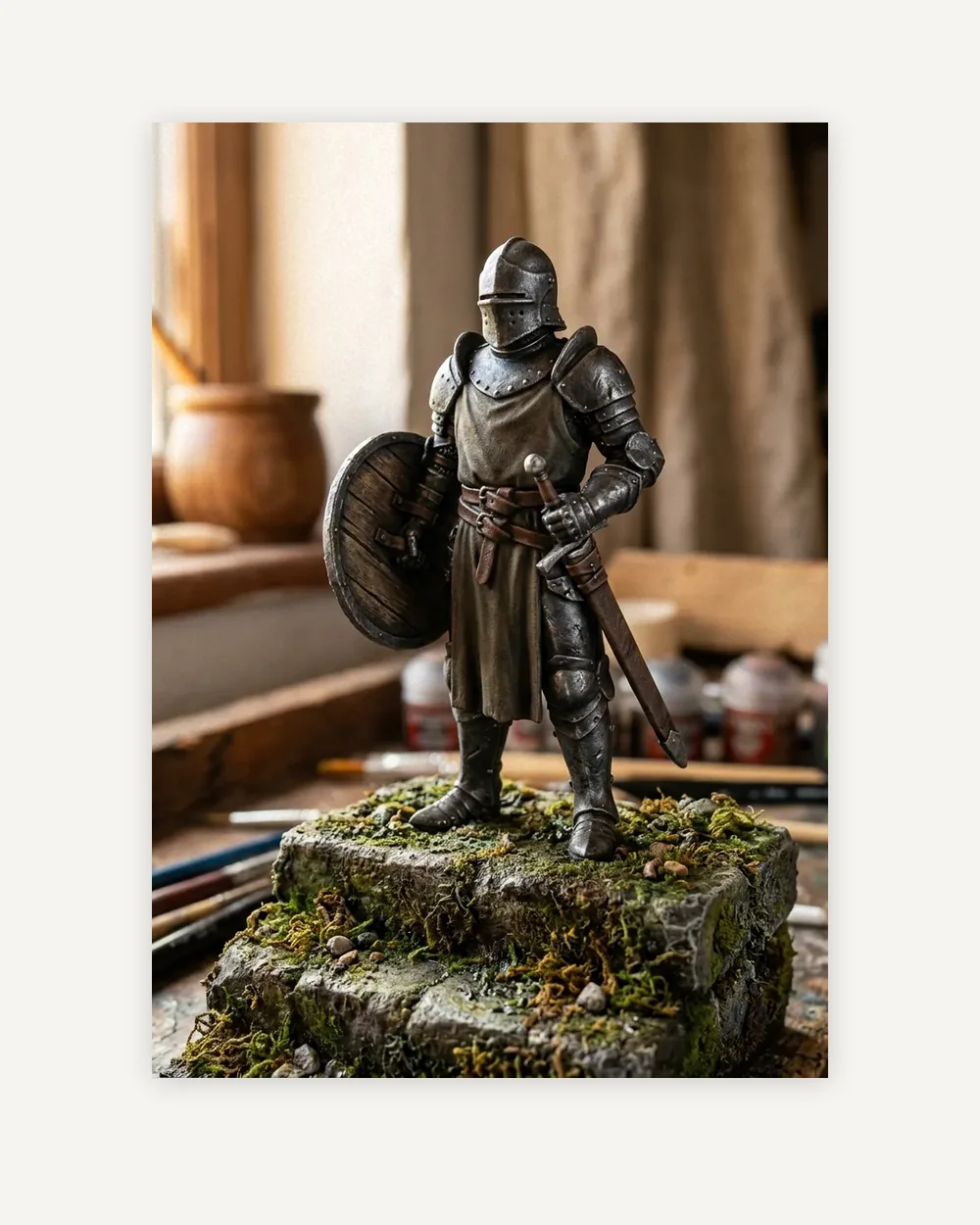
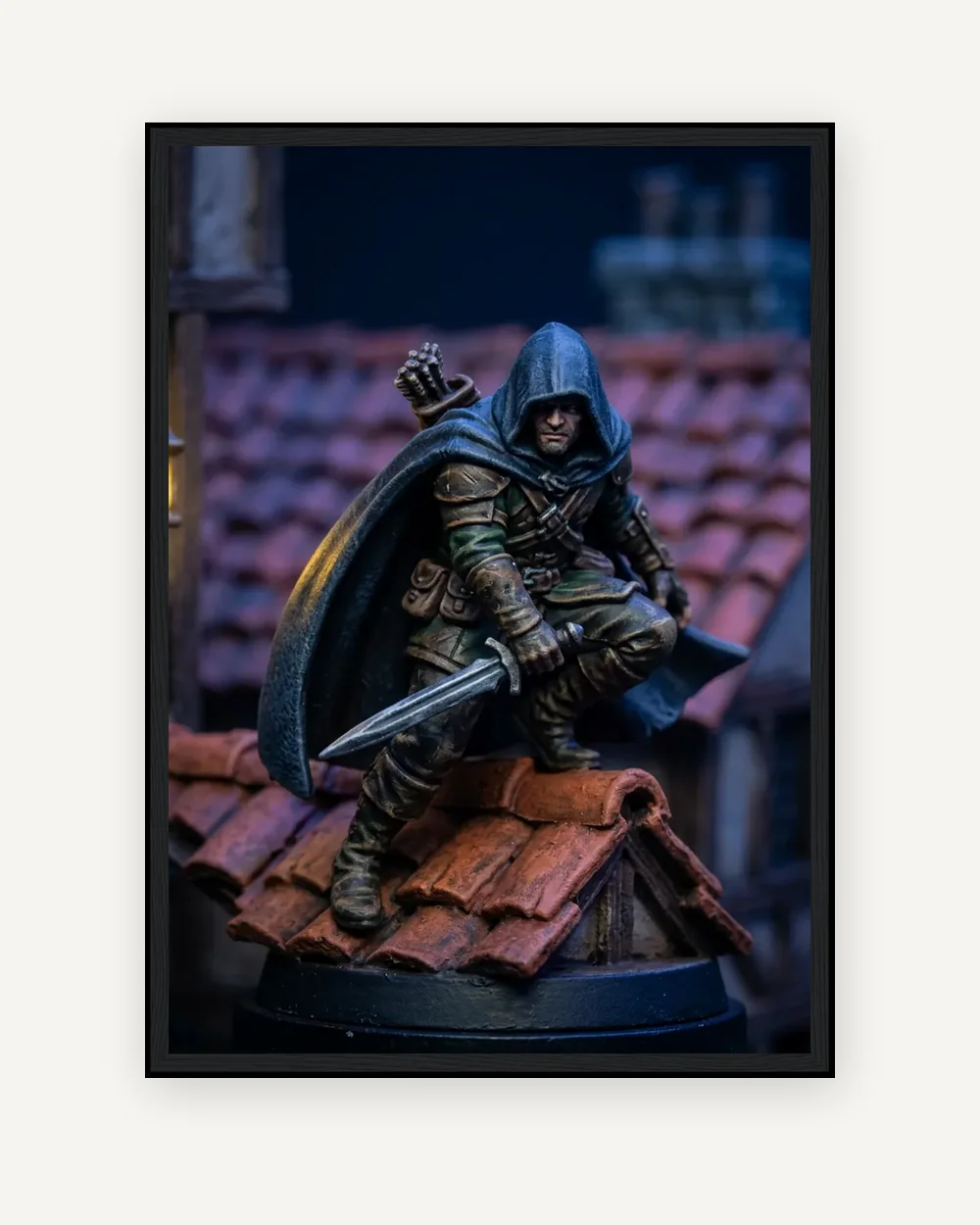
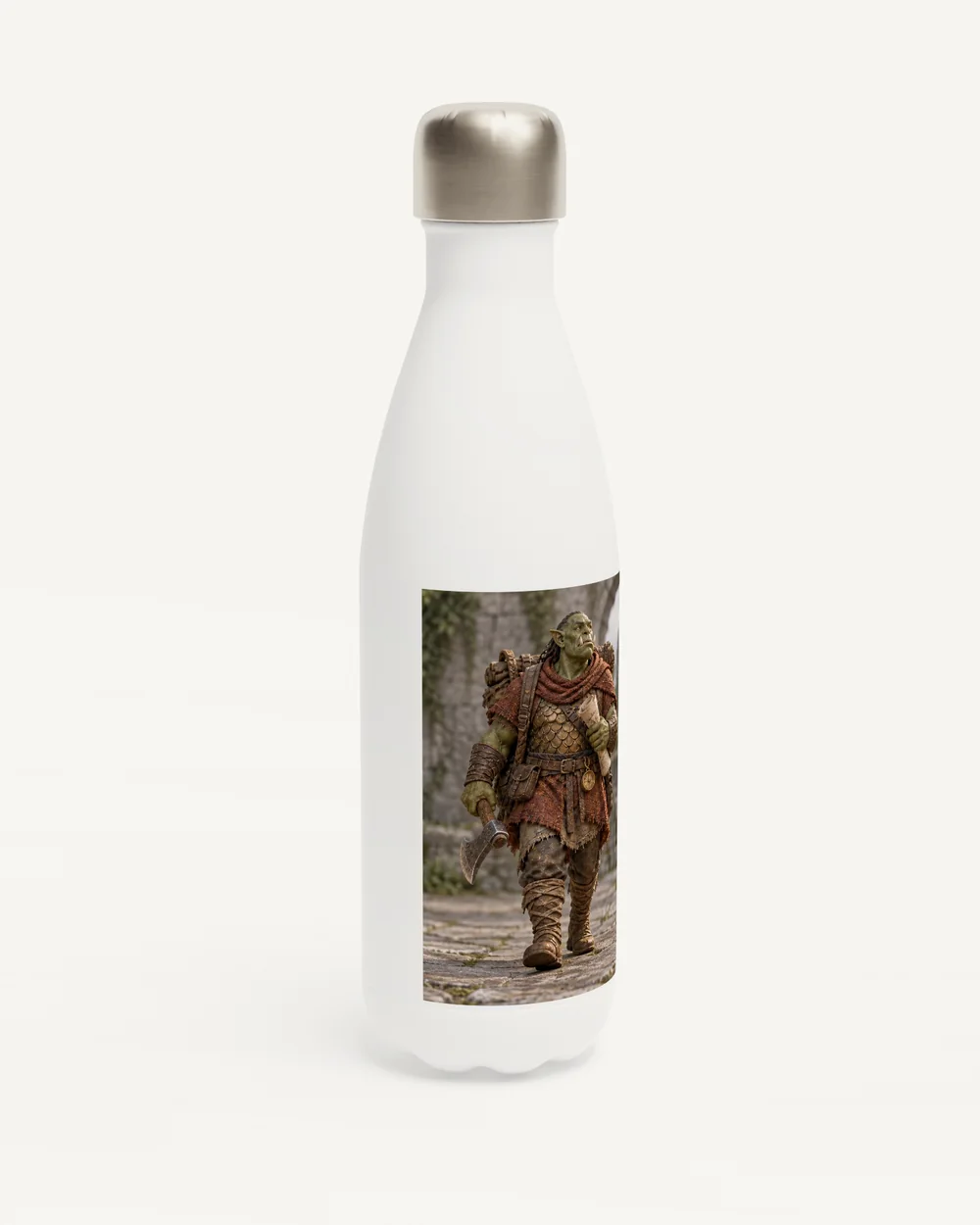
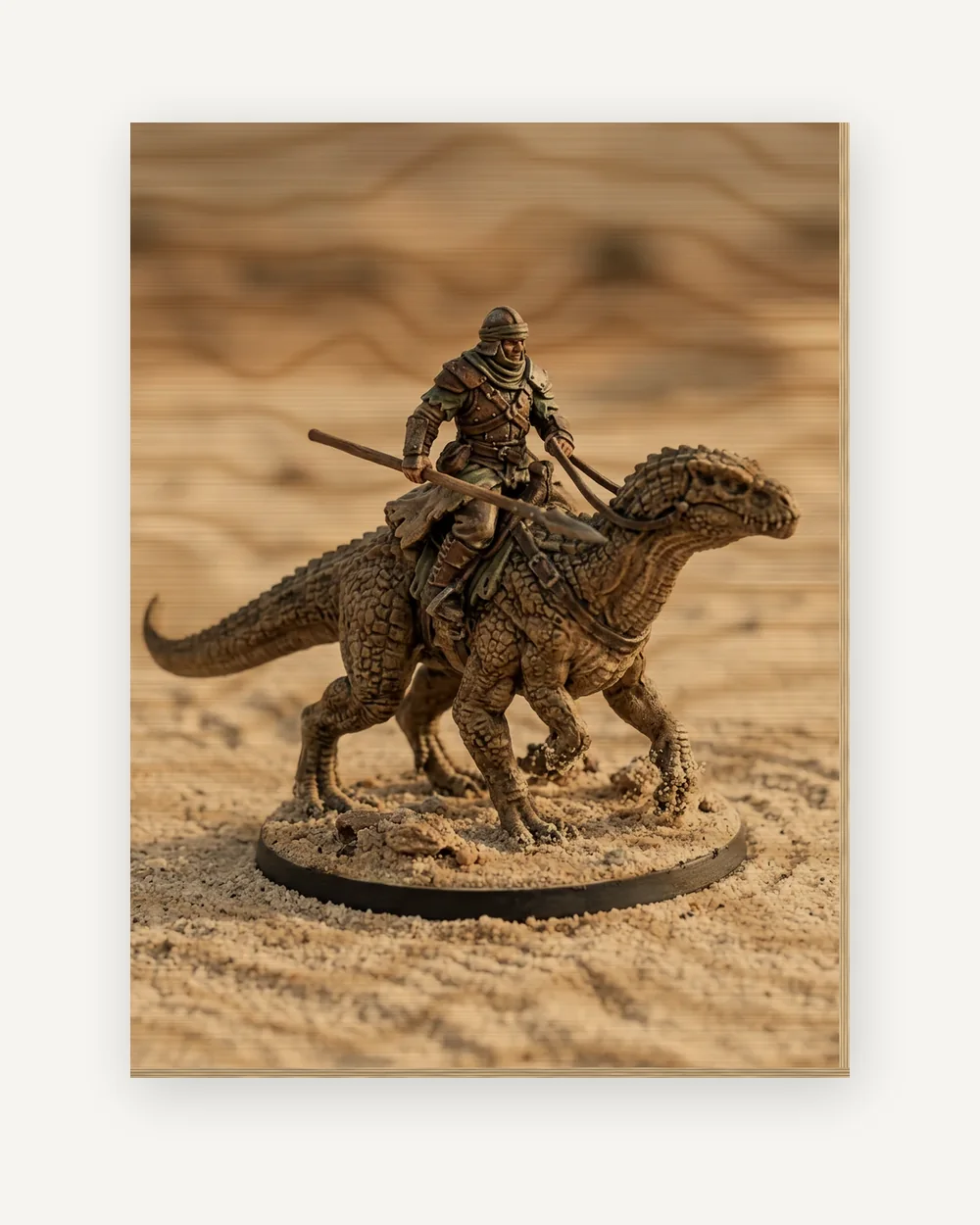
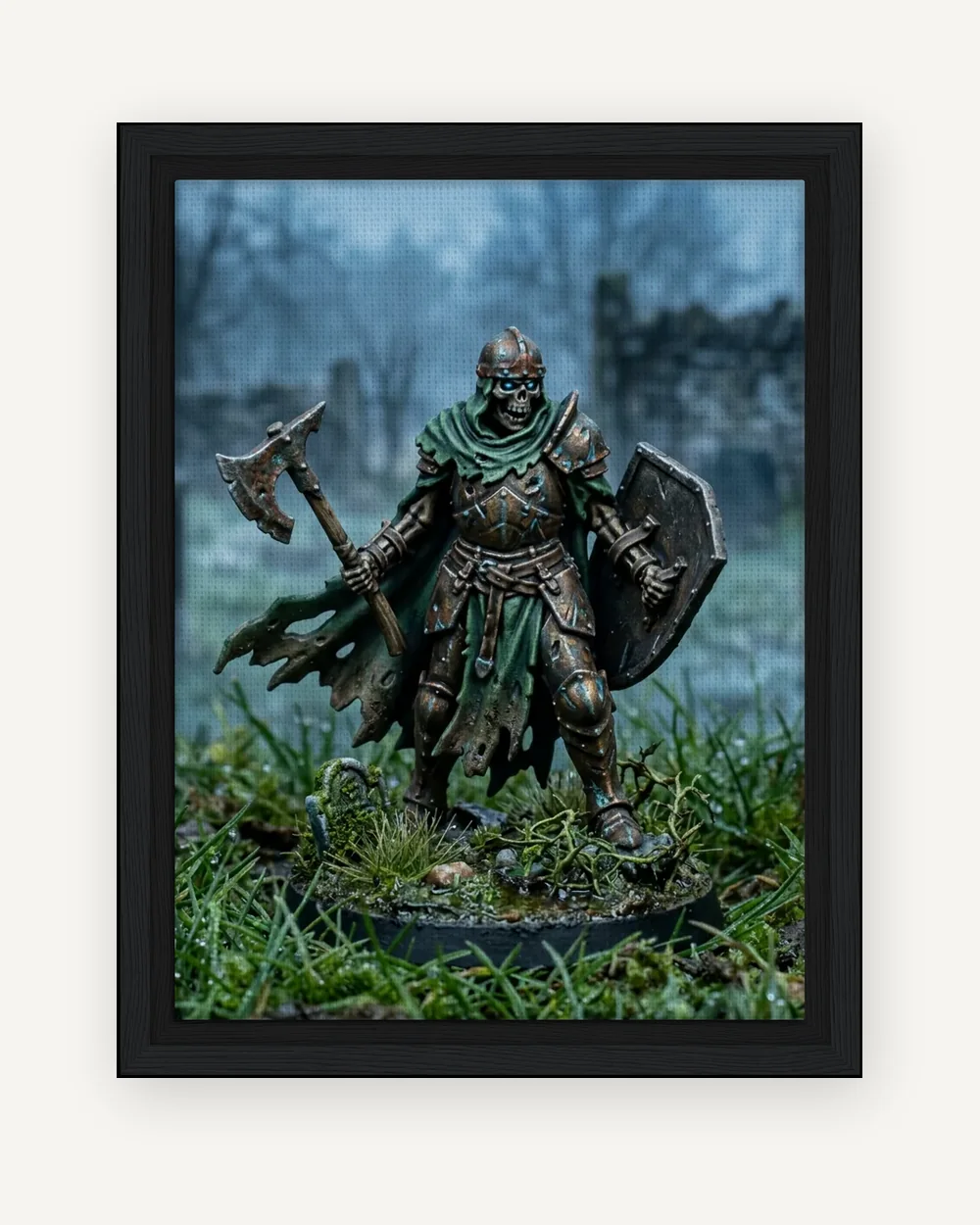
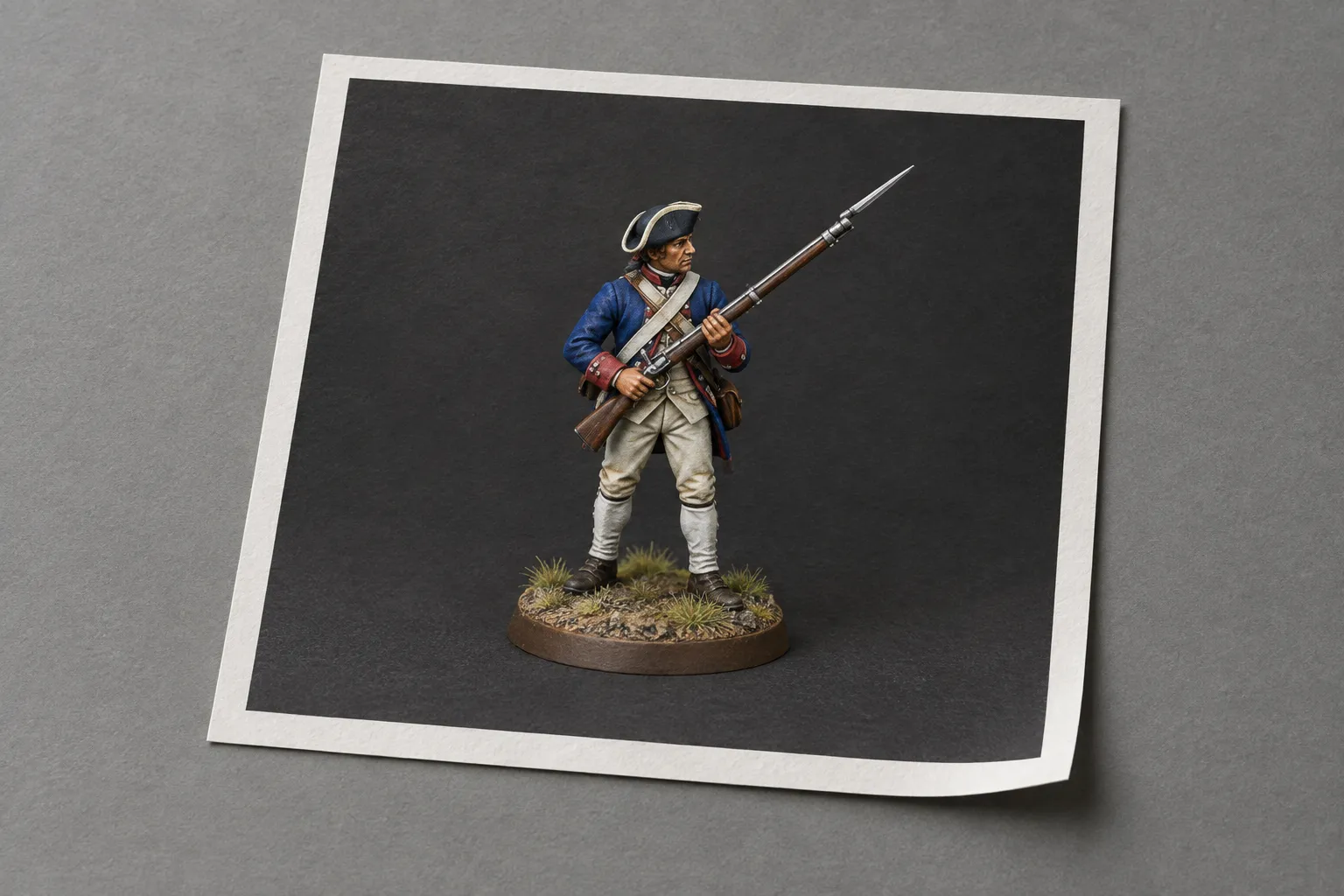
Size, photo and preview
Choose a product above to see its sizes and prices.
-
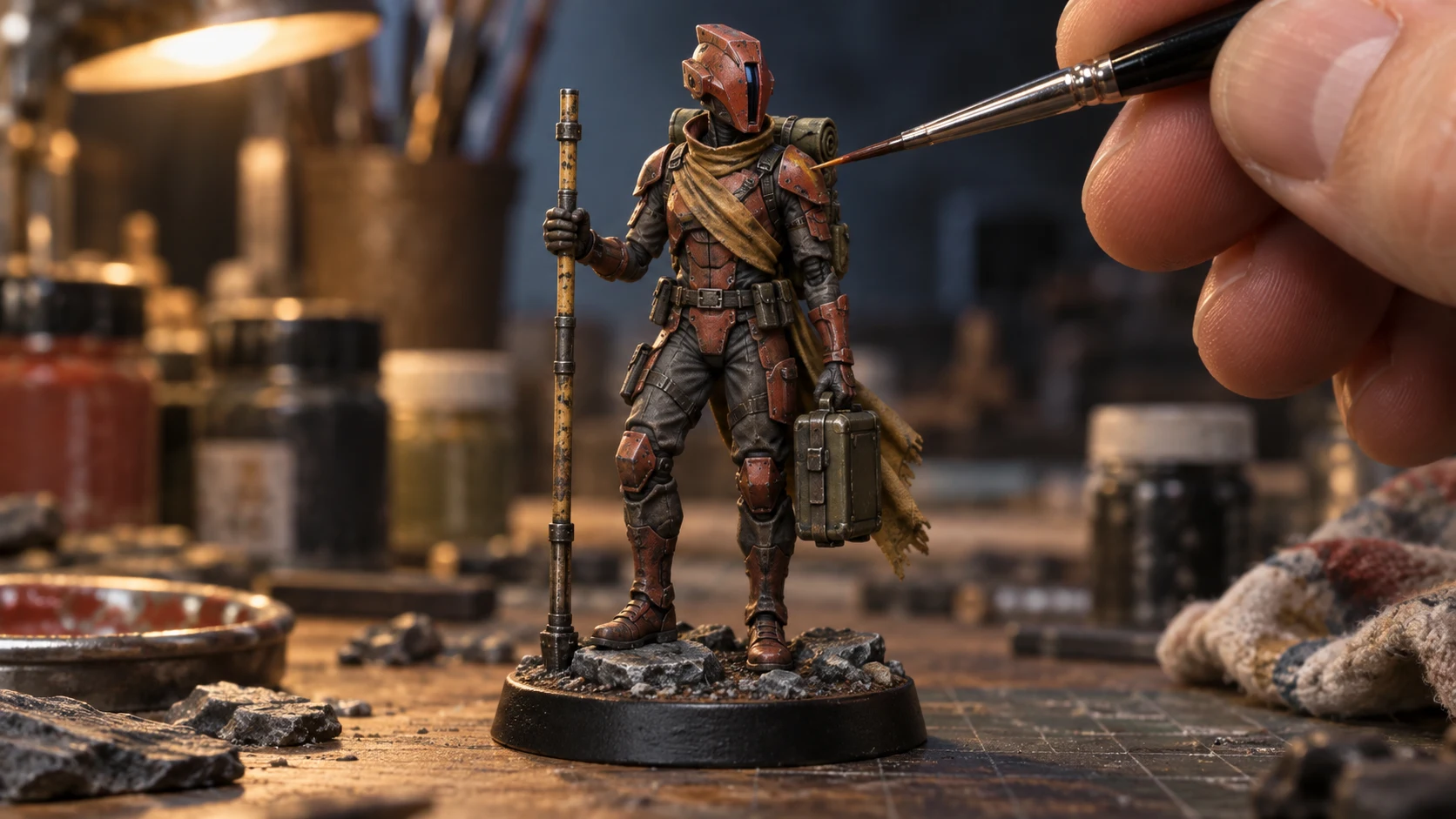
Start with a photo of your painted miniature.
-
Pick a setting. A watermarked preview comes back with the display base taken out.
-
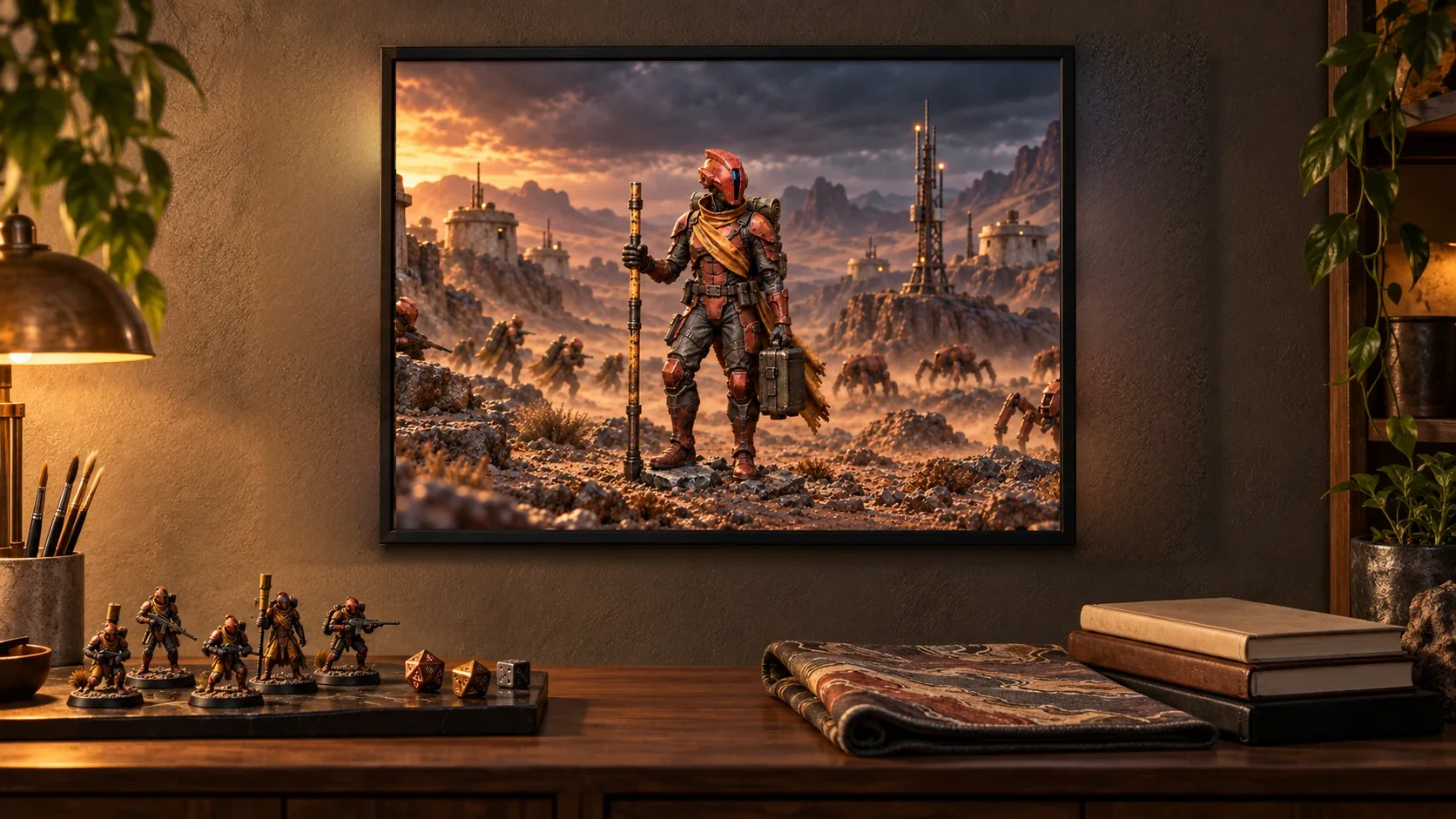
Compare it with your original, approve it, then choose a size and add it to your basket.
Your preview is made from your uploaded miniature.
Your paintwork is the starting point
AI can change small details. Compare your selected scene with the original photo, especially faces, equipment, colours, and brushwork. Approve only a result you want printed. To keep an existing image unchanged by AI, print your artwork directly.
Buying for Christmas?
Everything is made to order, so allow 4 to 9 working days and order by Thursday 10 December for Christmas (Tuesday 15 December with Priority delivery). Previews are limited to three successful ones a day once your email is verified, so leave a few days to choose a scene. Christmas gifts for artists covers the formats.