Previews are free. Once you upload, we email you a six-digit code to open them, with no password and no marketing. You get three successful previews a day.
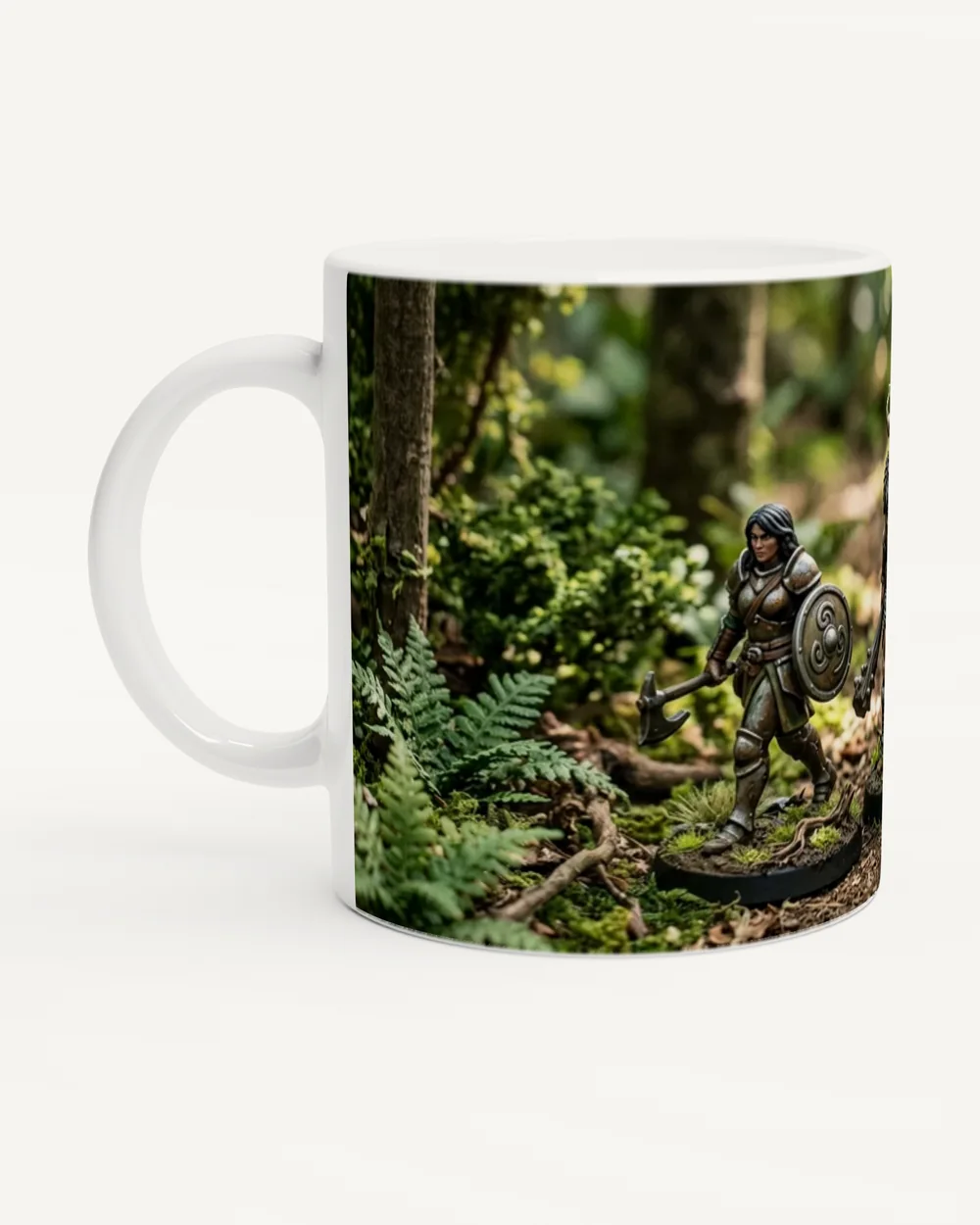
This is the area that prints:
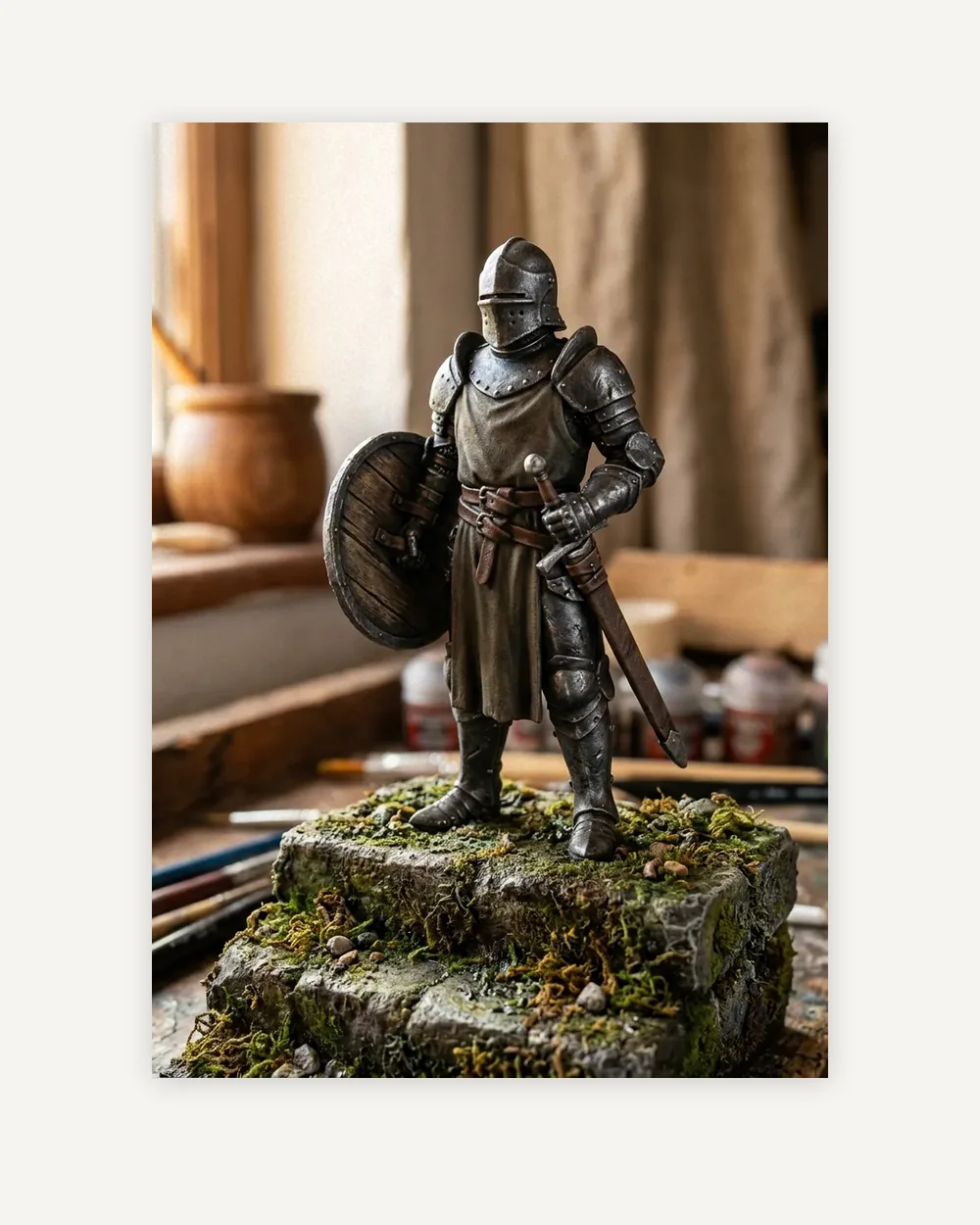
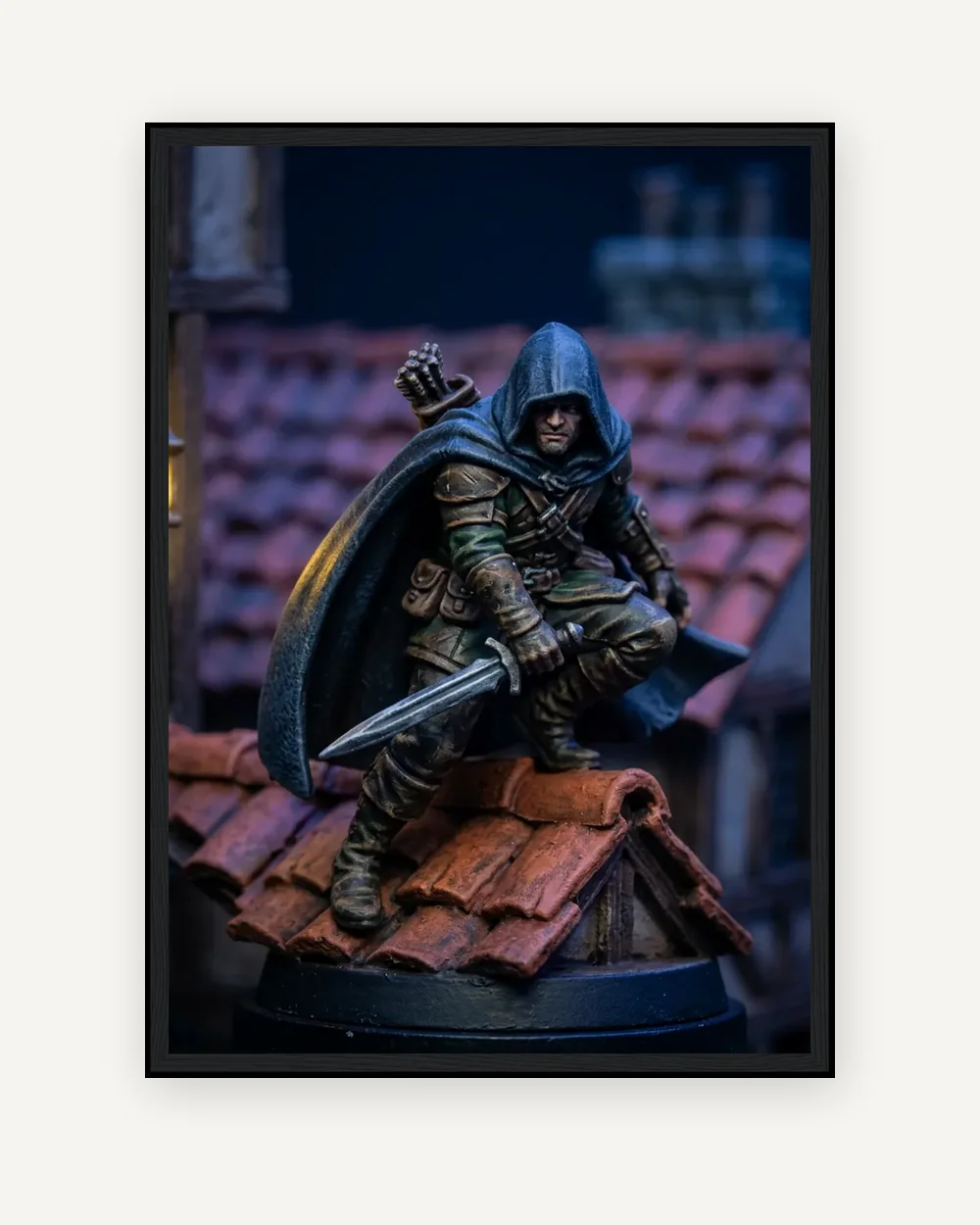
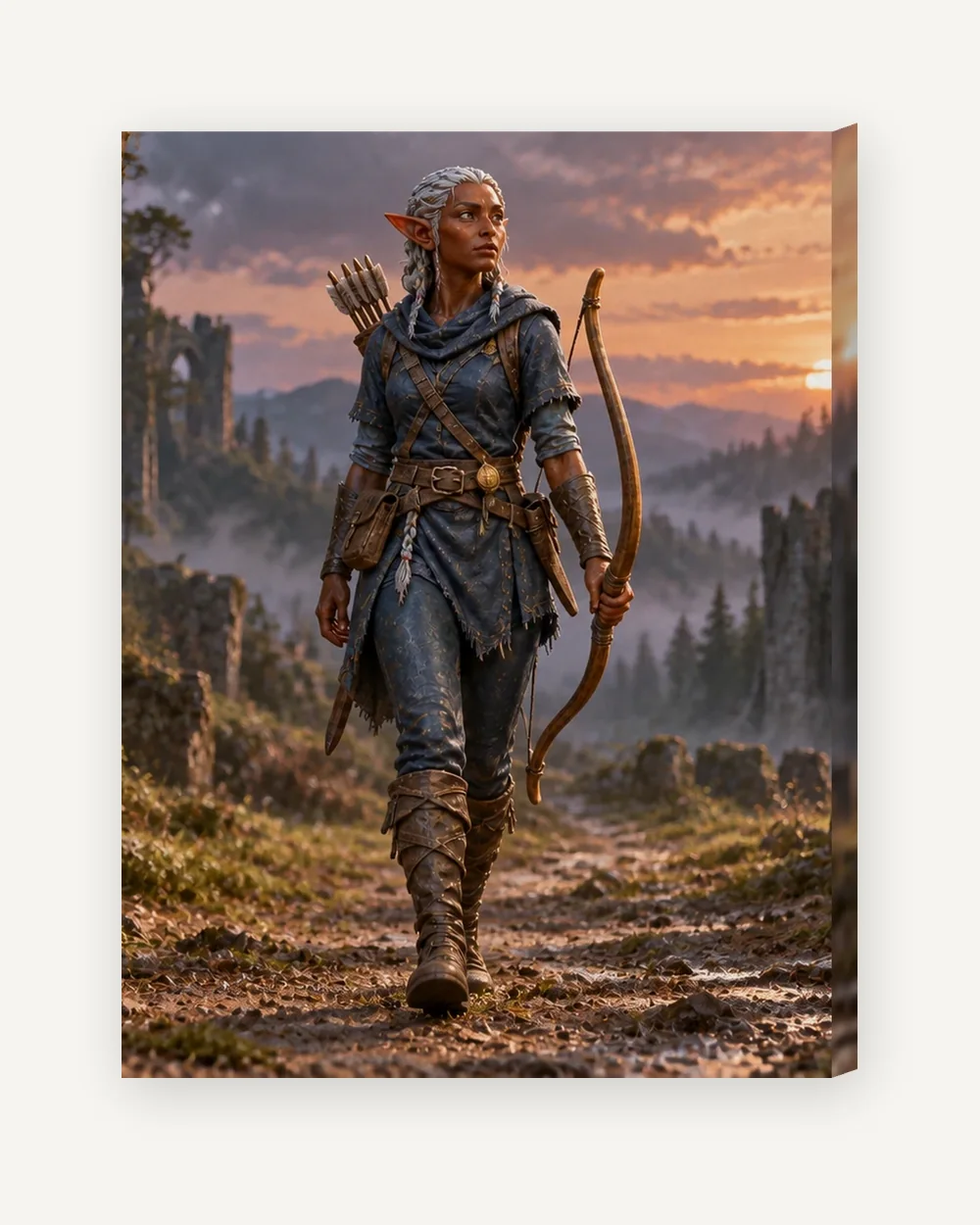
Sample filmOne painted knight goes from the workbench to a torch-lit stone courtyard. Create a scene aims to keep the pose, colours and painted details of your figure and changes the world around it. How the scene studio works -
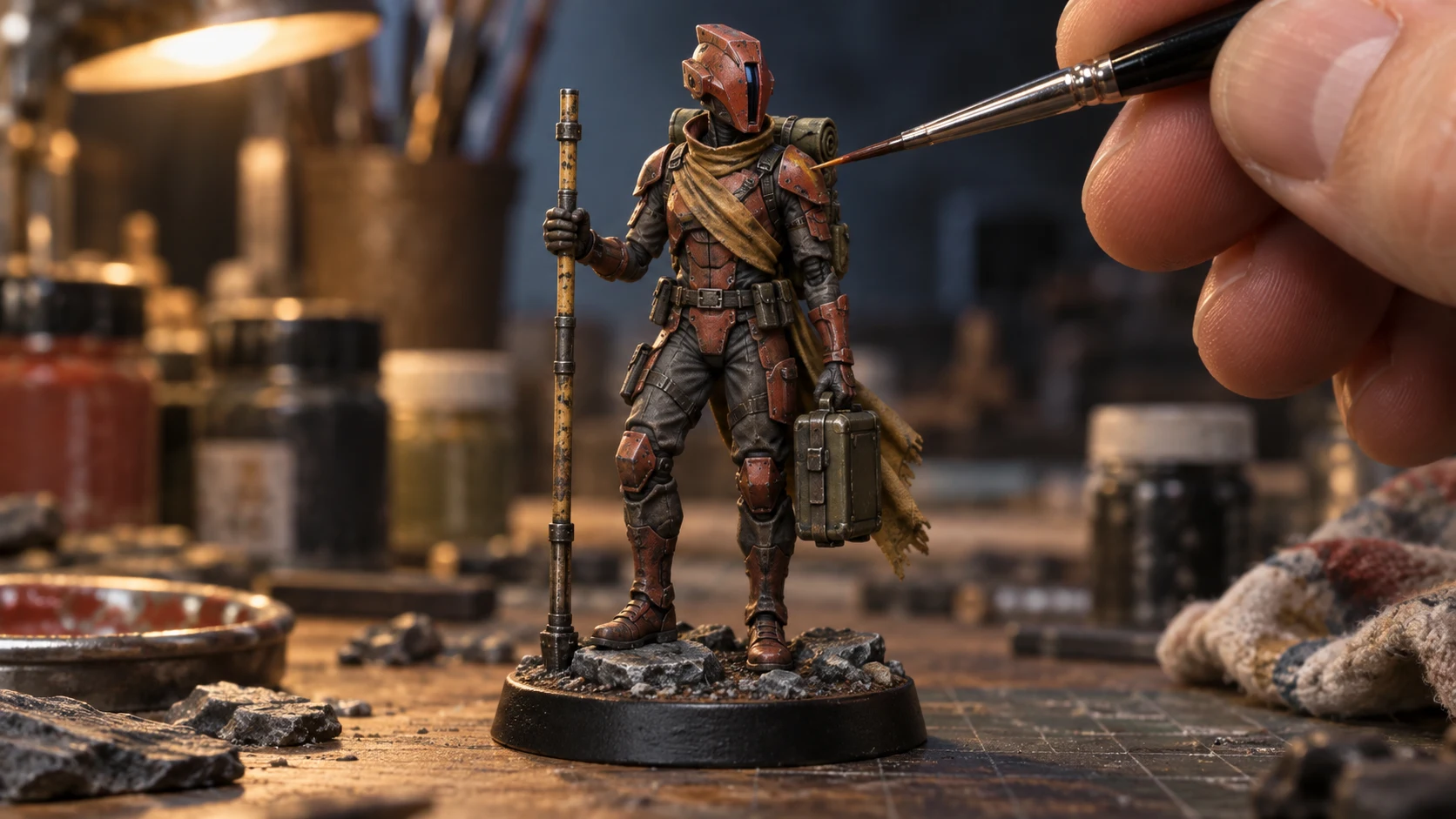
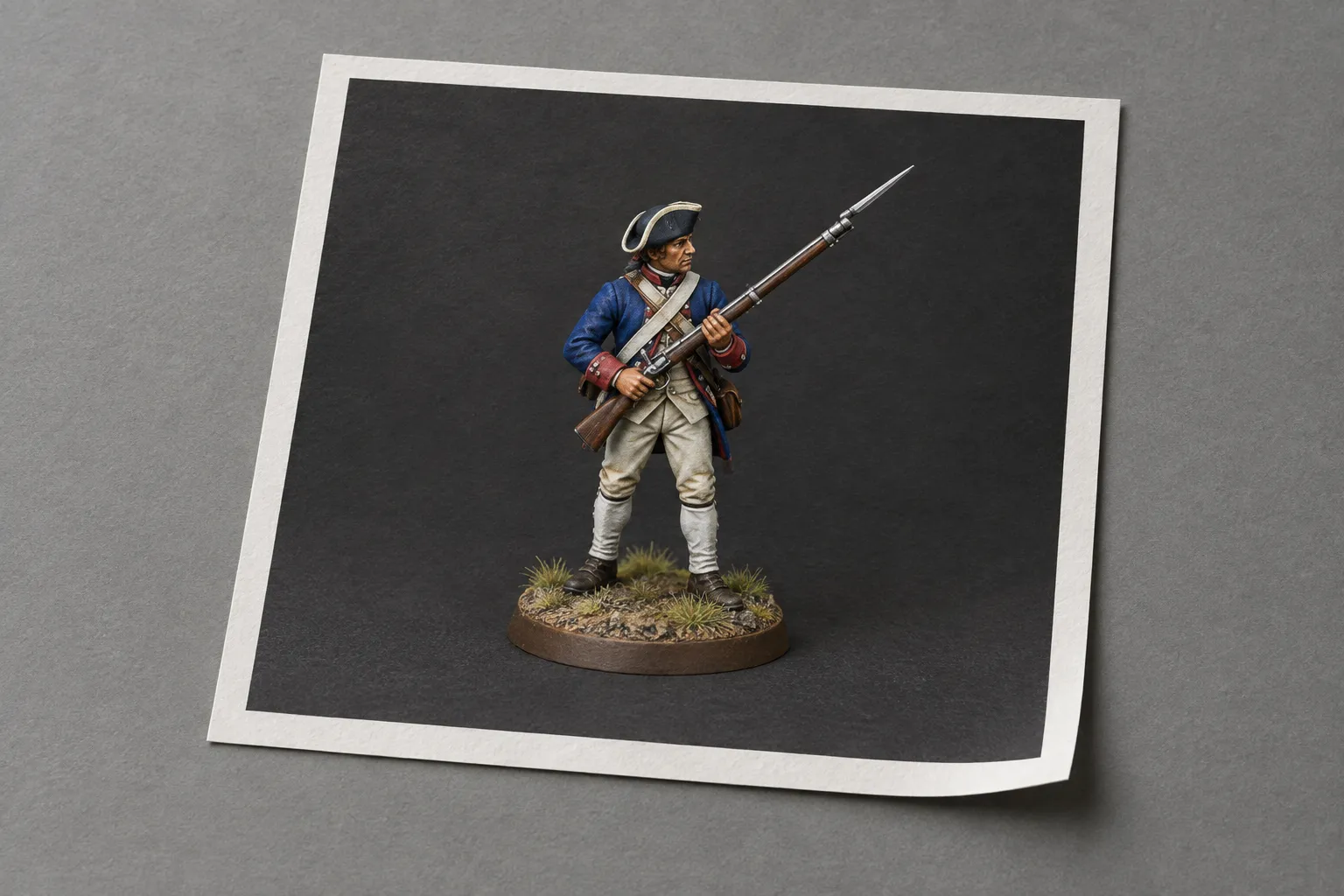
Start with a photo of your painted miniature.
-
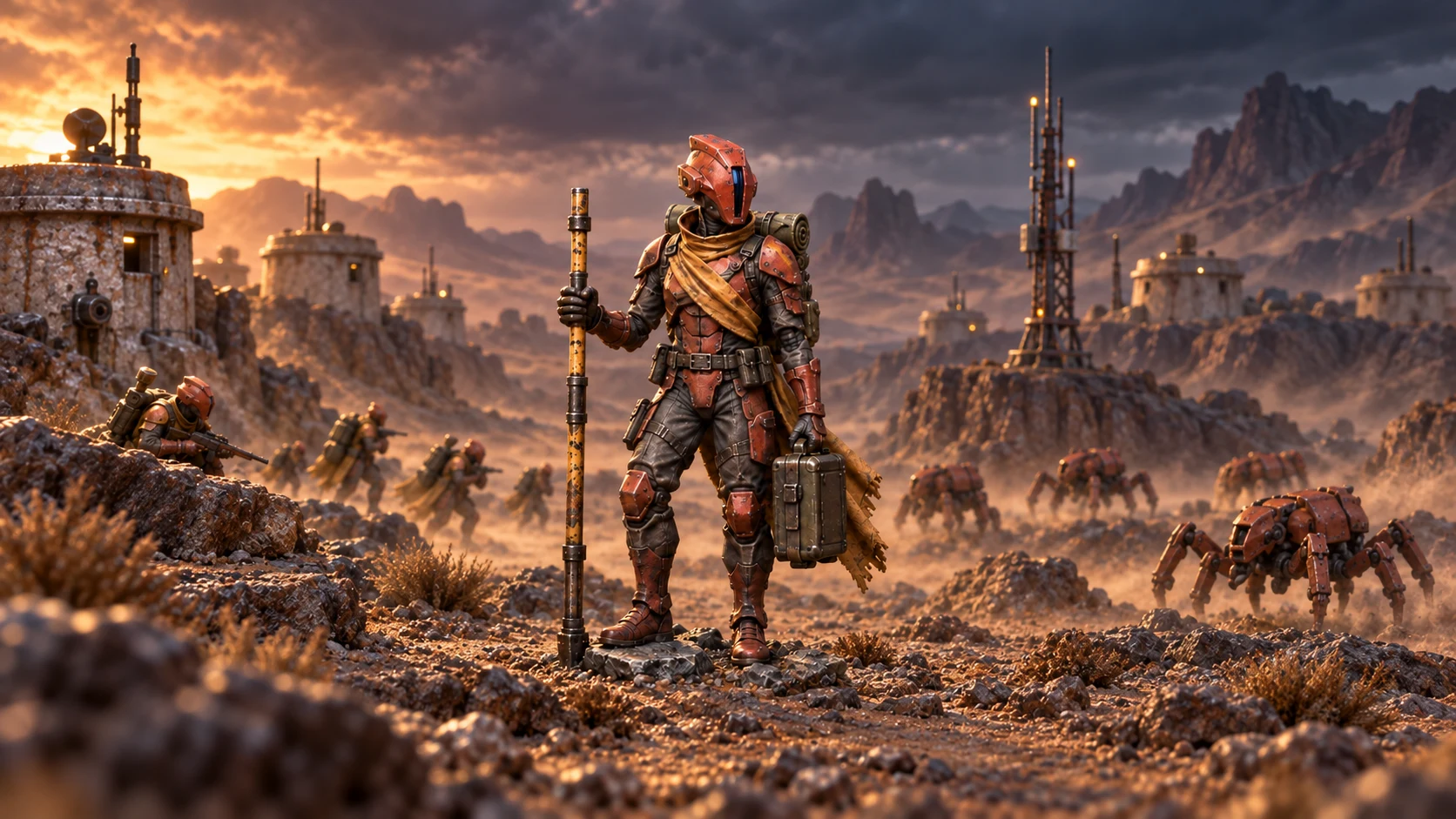
Pick a setting. A watermarked preview comes back with the display base taken out.
-
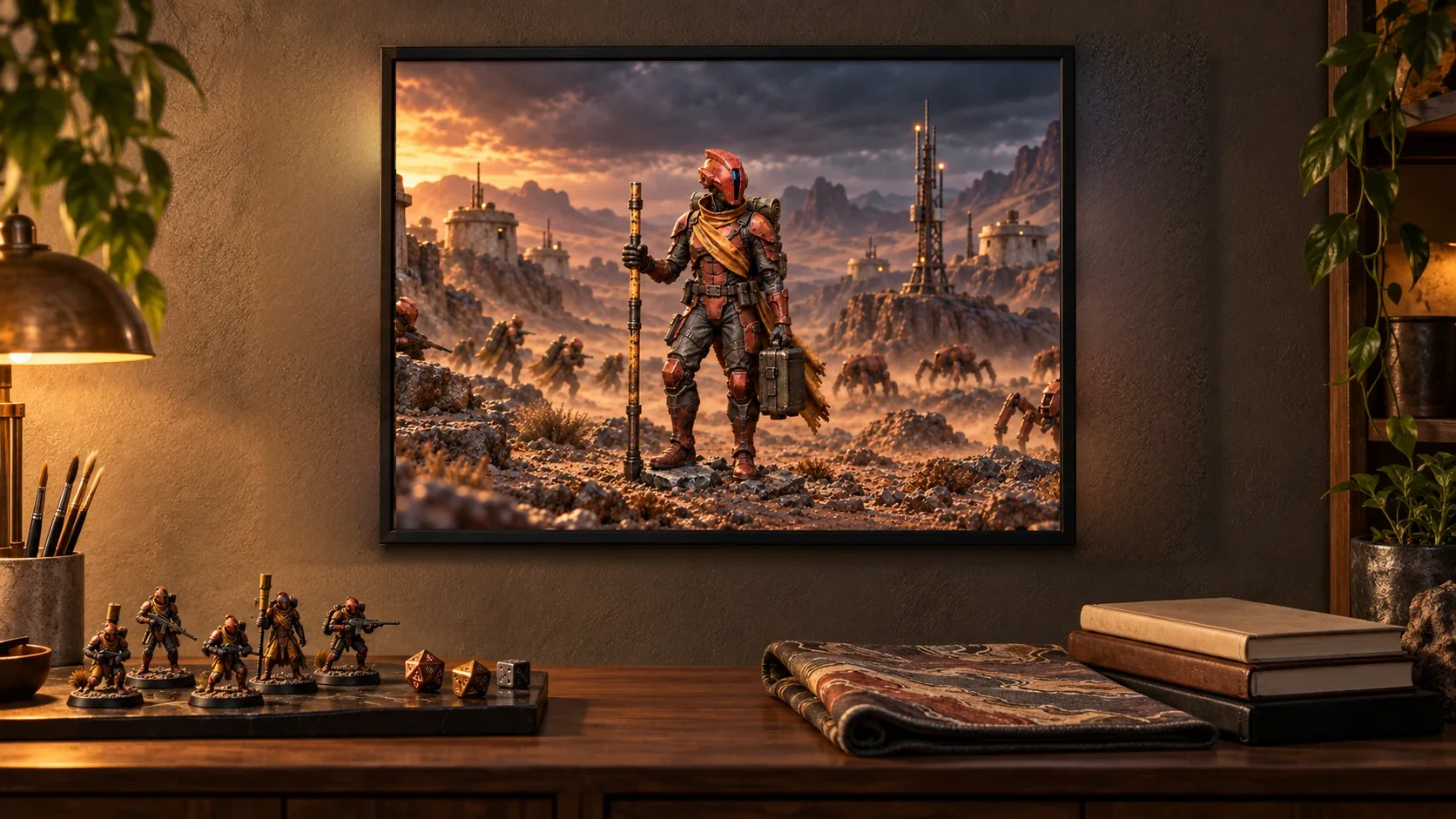
Compare it with your original, approve it, then choose a size and add it to your basket.
Check your email
Free to use: we email you a six-digit code. No password, no marketing. It opens three free watermarked previews a day, and you can return to them on any device for 30 days.
Choose a setting
Each person gets three free watermarked AI previews a day, shared across all your uploads.
See your preview
The watermark only appears on the preview. The frame shows the crop for the size you chose.
We use your image only to make your preview and your order. Uploads that are not ordered are deleted after 30 days. Privacy
Details
One image file, JPEG or PNG. Print as it is: your own upload at its full resolution, never upscaled (a WebP upload comes as a PNG), with the colours your file has; sRGB suits most printers. A scene: the scene you approved, at full resolution, without the watermark. There is nothing to ship: after payment we email you a download link. Your basket asks you to agree to receive the file straight away, which ends the 14-day right to cancel the download.
Delivery
Delivered as a download link by email after payment. The link stays live for 30 days. No shipping.
Prepare your image
Upload the original file, never a screenshot. A download has no print size, so it is never blocked for resolution. Keep faces and lettering clear of the edges. Prepare your artwork